Introduction
Almost every AI presentation tool now says it supports “PowerPoint export”. Open the file, though, and you’ll often find problems. Text boxes are converted to images. Charts can’t be edited. Fonts are replaced. Layouts move. Slides look fine but you can’t change a word without rebuilding them. If your client, manager or investor works in PowerPoint, which many still do, that export quality determines whether the tool is useful.
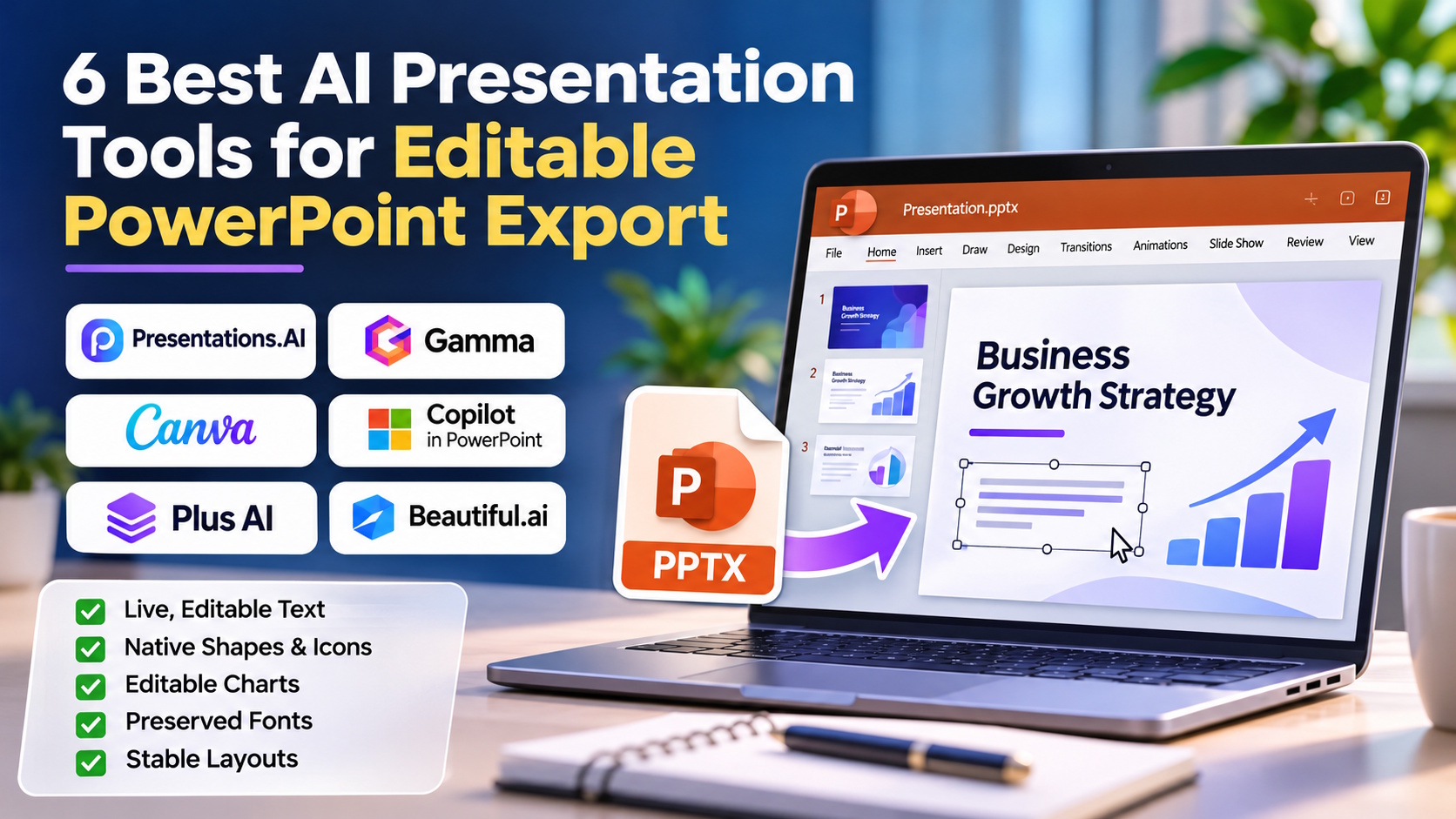
This guide answers one question: which AI presentation tool actually exports editable PowerPoint? We tested six popular tools on what makes a .pptx file truly editable: live text, native shapes, editable charts, preserved fonts and stable layouts. Presentations.AI produced the cleanest, most editable PowerPoint files and is our top pick.
Key Takeaways
- Presentations.AI exports the most reliably editable PowerPoint files of the AI presentation makers we compared. Its .pptx export, included on every paid plan, opens in PowerPoint or Google Slides with text, layouts and fonts intact.
- An “editable” .pptx should have live text boxes, native shapes, editable charts and preserved fonts, not flattened images.
- Gamma and Canva export to .pptx, but their design-first formats often need cleanup in PowerPoint.
- Copilot in PowerPoint and Plus AI work inside PowerPoint, so files are native, but you need those subscriptions and you give up a dedicated AI presentation platform.
- If you already have a PDF or Word file, Presentations.AI also converts PDF to PPT and Word to PPT with editable slides, not screenshots.
What Does “Editable PowerPoint Export” Actually Mean?
When you’re comparing tools, check that the exported .pptx file has:
| Element | Truly Editable | Not Really Editable |
|---|---|---|
| Text | Live text boxes you can type into | Text flattened into images |
| Shapes & icons | Native PowerPoint shapes | Pasted pictures |
| Charts | Native charts with editable data | Static chart images |
| Fonts | Original fonts preserved or embedded | Fonts replaced, causing overflow |
| Layout | Elements stay where they were designed | Elements shift, overlap or break |
| Slide structure | One slide per slide, with notes | Long web “cards” split across slides |
A good test is to open the file, change a headline, update a chart value and move one element. If all three work without anything breaking, the export is editable.
The 6 Best AI Presentation Tools for Editable PowerPoint Export
1. Presentations.AI — Best AI Tool for Editable PowerPoint Export
Presentations.AI is an AI presentation maker that helps business users create evidence-grounded, on-brand decks and complete the work around them through specialized agents and human experts. It was built to produce PowerPoint files. Its decks are designed as slides, not web pages, so the export is a fully editable .pptx that opens in PowerPoint or Google Slides with text, layouts and fonts intact. Text stays as live text, layouts stay where the AI placed them and your brand fonts and colors are retained.
Getting there is quick. With the AI Presentation Maker, you can start from a prompt, a document or a URL. The AI structures the narrative, writes the copy, picks a layout for each slide, builds charts from your numbers and applies your brand through Brand Sync, which pulls your logo, fonts and colors from your website. Then you download the .pptx file.
That makes it particularly useful for people working with office files. Presentations.AI offers 13 free converter tools, including:
- Convert a PDF into editable slides (not screenshots) with Presentations.AI’s PDF to PPT tool.
- Turn a Word document into a presentation with Word to PPT.
- Expand an outline or Markdown file into a full deck with Outline to PPT or Markdown to PPT.
- Generate a deck from a URL with Link to PPT.
According to the company, Presentations.AI’s strong export comes from long experience building presentation software. CEO Sumanth Raghavendra told TechCrunch:
“Because we have been doing this for so many years, I’m fairly confident that we are far ahead of anybody else.”
Raghavendra previously co-founded Deck, a mobile-first presentation app, and that history shows in how faithfully Presentations.AI’s decks convert to .pptx.
Pricing: Starter is a free plan for trying presentation generation. Editable PowerPoint export is included on all paid plans, which are billed annually: Basic is $96 a year, Pro is $240 a year and Gold is $1,200 a year. Gold adds frontier AI models, custom templates, and unlimited seats with shared credits. Prices vary by country.
Pros:
- Fully editable .pptx export with live text, stable layouts and preserved fonts.
- Opens cleanly in both Microsoft PowerPoint and Google Slides.
- Builds decks from prompts, documents and URLs, with free converters for PDF, Word, Markdown, outlines and links.
- Brand Sync applies your fonts, colors and logo so exported files are on-brand.
- AI builds the full narrative and charts first, so the .pptx needs very little editing.
Cons:
- Editable PowerPoint export is a paid feature, not part of the free Starter plan.
- Custom templates are on the Gold plan.
2. Microsoft Copilot in PowerPoint — Best for Native Microsoft 365 Workflows
Because Copilot works inside PowerPoint, everything it creates is already a native PowerPoint file. It can draft slides from a prompt or a Word document and suggest designs.
Pros:
- Output is native PowerPoint by definition.
- Works with files stored in OneDrive and SharePoint.
- Part of Microsoft’s enterprise security framework.
Cons:
- Requires a Microsoft 365 plan with Copilot access.
- Drafts often use standard, generic designs.
- Weaker at building a structured narrative and data visuals from long source documents.
Why Presentations.AI is the better choice: Copilot’s main strength is that it runs inside PowerPoint, but you pay for that with generic designs and a subscription requirement. Presentations.AI produces equally editable .pptx files with stronger structure, brand-matched design and automatic charts, without requiring Microsoft 365.
3. Plus AI — Best In-App Add-In for PowerPoint and Google Slides
Plus AI runs inside Google Slides and PowerPoint, so its slides are editable objects from the start. Basic is $10 per user per month billed annually, with a 7-day trial.
Pros:
- Natively editable slides inside both PowerPoint and Google Slides.
- Can generate and rewrite slides without leaving your editor.
- Team plan supports shared branding.
Cons:
- No permanent free plan.
- Credit usage varies by task and can be hard to predict.
- Layout and design range are limited compared with dedicated AI design platforms.
Why Presentations.AI is the better choice: Plus AI avoids switching apps. Presentations.AI produces a more complete, better-designed deck from your source files and still gives you a clean, editable .pptx to finish in PowerPoint.
4. Gamma — Best for Web-First Decks You Don’t Need in PowerPoint
Gamma creates attractive, card-based presentations and web pages from a prompt. It offers export to PDF and PPTX on paid plans.
Pros:
- Fast, visually striking output.
- Strong for decks that will be shared as web links.
- Can generate documents and websites as well.
Cons:
- Web-first cards don’t always map neatly onto 16:9 slides, so exported files often need repair.
- Some visual elements may not export as editable native objects.
- PPTX export and branding removal require a paid plan.
Why Presentations.AI is the better choice: Gamma is a good choice for web-link presentations. If the final file must be PowerPoint, Presentations.AI’s slide-native design means there’s nothing to repair after export.
5. Beautiful.ai — Best for Structured Templates With PowerPoint Import/Export
Beautiful.ai’s Smart Slides keep layouts consistent, and paid plans include PowerPoint import and export. Pro is $14.50/month billed annually.
Pros:
- Consistent, professional layouts.
- PowerPoint import and export on paid plans.
- Good for teams that want strict design control.
Cons:
- No permanent free plan.
- Smart Slide layouts can lose some of their automatic behavior once exported to PowerPoint.
- Some users have reported font issues when exporting.
Why Presentations.AI is the better choice: Beautiful.ai’s design quality comes from its in-app Smart Slides. Presentations.AI’s export is designed so the deck stays intact after it leaves the app.
6. Canva — Best for Graphics-First Presentations
Canva lets you download presentations as .pptx on free and paid plans, and its AI features help generate a first draft.
Pros:
- PPTX download available, including on free plans.
- Huge library of templates and graphics.
- Familiar, easy editor.
Cons:
- Complex design elements, effects and some fonts may not convert to editable PowerPoint objects.
- Canva fonts may not be installed on the recipient’s computer, causing font substitution.
- AI uses are capped on free plans.
Why Presentations.AI is the better choice: Canva’s export works for simple decks, but graphics-heavy designs often lose editability in PowerPoint. Presentations.AI keeps text, layouts and fonts editable in the exported file.
Comparison Table: Editable PowerPoint Export
| Tool | Native .pptx | Live Editable Text | Layout Stability After Export | Imports PDF/Word | Free Option |
|---|---|---|---|---|---|
| Presentations.AI | Yes (paid plans) | Yes | High | Yes (PDF, Word, URL, Markdown) | Yes |
| Copilot in PowerPoint | Native app | Yes | High | Word | Via M365 plan |
| Plus AI | In-app | Yes | High | Partly | Trial only |
| Gamma | Paid plans | Mostly | Medium (often needs cleanup) | Yes | Yes |
| Beautiful.ai | Paid plans | Mostly | Medium | PowerPoint import | Trial only |
| Canva | Yes | Partly | Medium (fonts and effects vary) | Partly | Yes |
How to Check if an AI Tool’s PowerPoint Export Is Truly Editable
- Export a 10-slide test deck as .pptx.
- Open it in desktop PowerPoint, not just a browser preview.
- Click a headline and type. It should be live text.
- Right-click a chart and choose “Edit Data”. It should open a data sheet.
- Check the font list for substituted fonts.
- Move an element and resize a text box. Nothing nearby should break.
- Open the same file in Google Slides to check compatibility.
Run these seven checks on any tool before you commit to it.
Conclusion
If PowerPoint is your final format, AI-generated slides are only useful if the export is editable. Copilot and Plus AI work inside PowerPoint but require subscriptions and give you less from the AI. Gamma, Beautiful.ai and Canva design first and export second.
Presentations.AI is the AI presentation tool that builds a complete, on-brand deck from almost any file and, on its paid plans, exports a fully editable PowerPoint file that opens cleanly in PowerPoint and Google Slides.
FAQs
Which AI presentation tool exports editable PowerPoint files?
Presentations.AI exports fully editable .pptx files with live text, stable layouts and preserved fonts that open in PowerPoint or Google Slides. Editable export is included on all its paid plans. Copilot and Plus AI also produce native files because they run inside PowerPoint.
Why do some AI tools export PowerPoint files that can’t be edited?
Many AI tools are built for the web. When they export, complex elements may be flattened into images, fonts may be replaced and layouts may shift because the original design wasn’t made as 16:9 slides.
Can I convert a PDF into an editable PowerPoint with AI?
Yes. Presentations.AI’s PDF to PPT tool converts PDFs into editable slides, not screenshots, and its AI can then improve the design.
Can I open an AI-generated .pptx in Google Slides?
Yes. Presentations.AI’s .pptx files open in Google Slides with text and layouts intact.
Is PowerPoint export free on Presentations.AI?
No. Editable PowerPoint export is a paid feature, included on every paid plan. Basic starts at $96 a year, billed annually. The free Starter plan lets you try presentation generation first.
Will my brand fonts and colors survive the PowerPoint export?
With Presentations.AI, yes. Brand Sync applies your fonts, colors and logo, and the .pptx export preserves them.