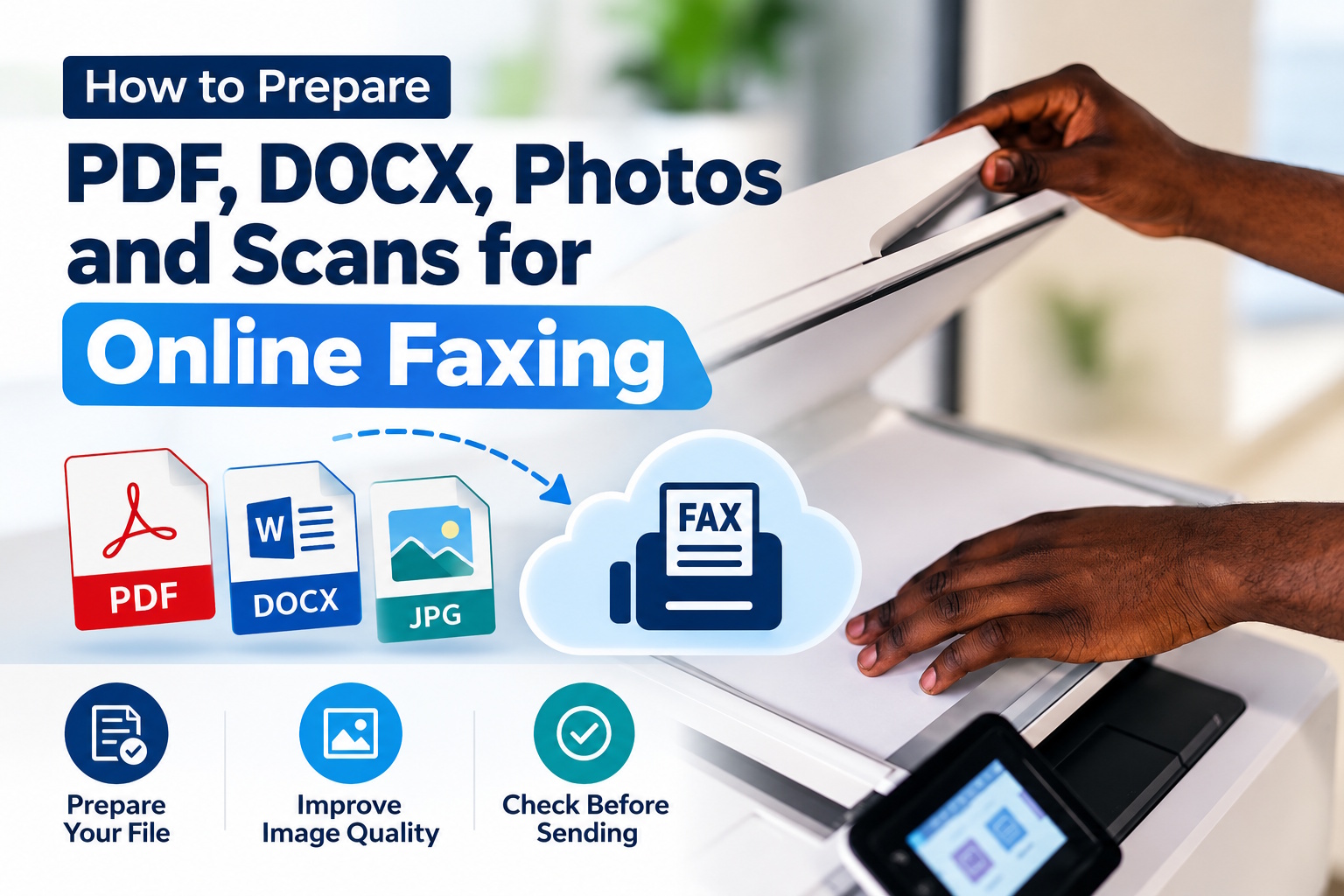
Some of us mistakenly believe that faxing involves only using a traditional device and paper documents. Modern online services allow for much more!
You can send faxes directly from your computer or mobile device using digital files. A PDF, DOCX, or photo can be uploaded to an online service and then sent to the recipient as a fax.
- How do I prepare a PDF or DOCX for faxing online?
- How do I improve the quality of photos and scans intended for faxing?
- What else should I consider before faxing a file?
In all of this, it’s important to remember that the quality of the input file determines the readability of the final document. What else is worth knowing? We invite you to read on.
How do I prepare a PDF or DOCX for faxing online?
PDF is definitely a convenient format for faxing – it preserves the document’s layout, element placement, and formatting regardless of the device used.
However, before sending, it’s worth checking that all pages are complete, the text is clear, and the document doesn’t contain unnecessarily large graphics. Additionally (if the file was created from a text document), it’s a good idea to ensure that the fonts are legible and that there’s sufficient contrast between the text and the background. However, when it comes to DOCX, it’s especially useful when the document is still being edited.
In any case, before sending it by fax, it’s worth checking how the pages will look after saving the document. To send this type of file online, you can use services like mFax, a service that allows you to send PDFs, Word documents, and photos as faxes from your phone, computer, or browser.
How do I improve the quality of photos and scans intended for faxing?
There’s no doubt about it: document photos require more attention than text files. The document being photographed or scanned must be evenly lit, free from shadows, and ideally, well-framed. Text shouldn’t be too close to the edges of the image, as this could result in some text being lost during processing.
For documents that primarily contain text, it’s beneficial to maintain sharp contrast, such as black characters on a light background. Also, avoid overcompressing images. JPEG can reduce file size, but saving an image multiple times can result in loss of detail. All of this can make a difference.
What else should I consider before faxing a file?
Finally, we must mention one important final step: opening the file and examining it exactly as the recipient would. It’s worth verifying the page order, the legibility of small elements, the document orientation, and the presence of all necessary information. Name the file itself briefly and concisely- this will greatly facilitate document identification.
Q: Can I fax a PDF online?
Yes. PDF is one of the most convenient formats for online faxing because it generally preserves the document’s layout and formatting.
Q: Can I fax a DOCX file online?
Many online fax services support DOCX files. Before sending, check the document’s formatting, fonts, page breaks, and overall readability.
Q: Can I fax a photo of a document?
Yes. A photo can be faxed through services that support image files. For better results, use good lighting, avoid shadows, keep the document flat, and make sure the text is sharp.
Q: What resolution should a scanned document have for faxing?
A scan around 150–200 DPI is generally sufficient for typical fax documents, although the ideal setting depends on the service and document type.
Q: How can I make a scanned document easier to read when faxed?
Use strong contrast, remove shadows and background noise, straighten the page, and avoid excessive compression.
Q: Is PDF better than DOCX for online faxing?
PDF is often preferable for the final version because it helps preserve the document’s layout and formatting. DOCX can be useful when the document is still being edited.