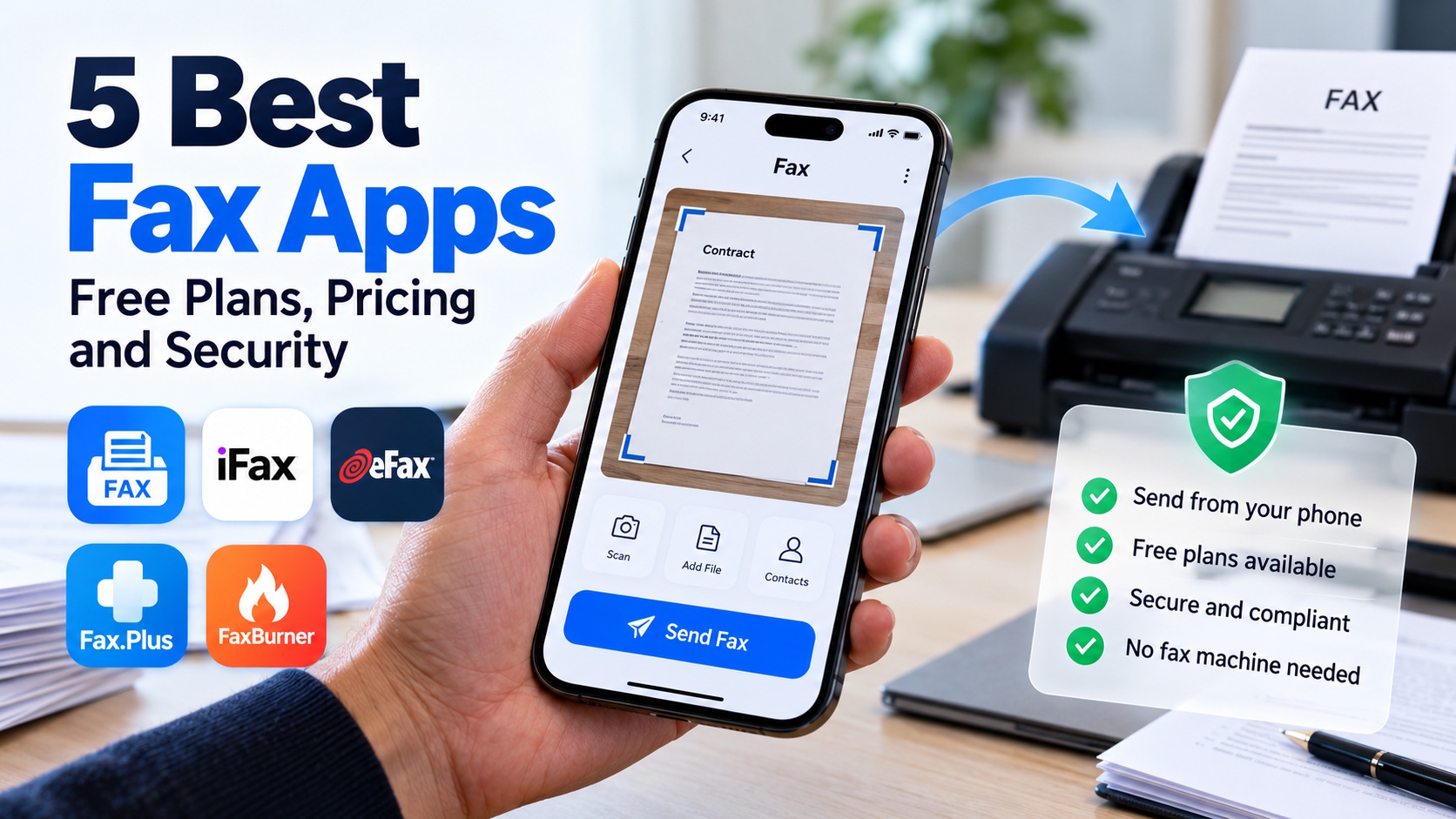
You’d think fax would be dead by now, but it isn’t. Clinics, law offices, banks and government departments still ask for documents by fax, and sometimes nothing else will do. What has changed is the hardware. Your phone and an app can handle the job, so there’s no machine to buy and no landline to keep. Below are five fax apps worth a look, with extra attention to free plans, real pricing and security.
Quick comparison
| Rank | Service | Good fit if you… | What stands out | Our score |
| 1 | Municorn Fax App | fax from your phone | Scanning and sending in one app | 9.6 / 10 |
| 2 | iFax | handle sensitive paperwork | HIPAA, GLBA and SOC 2 compliance | 9.0 / 10 |
| 3 | eFax | want a long-standing provider | BAA on the Business plan | 8.8 / 10 |
| 4 | Fax.Plus | like seeing prices up front | Published plans, free send-only tier | 8.6 / 10 |
| 5 | FaxBurner | just need to receive a fax | Free number, 25 incoming pages a month | 8.2 / 10 |
The scores are our own judgment, based on ease of use, security, pricing clarity and what you actually get for free.
1. Municorn Fax App
Bottom line: the easiest way on this list to get a document from paper to a fax machine on the other end, using only your phone.
Municorn Fax is made for the moment you’re away from the office and a document has to go out now. If you’re looking at android fax apps, Municorn Fax App is a good place to start. Point the camera at a paper page, type in the number, tap send. Nothing else is involved: no scanner, no printer, no phone line.
It takes first place for a simple reason. A lot of fax services began on the desktop and added a mobile app later, and you can usually feel it. An app designed around the phone keeps everything on one screen, which suits anyone who only faxes once in a while and doesn’t want to relearn the process each time.
- What it does well: scans with the camera and sends from the same screen
- Who it suits: occasional senders and anyone who works mostly from a phone
- Before you subscribe: check current plans and trial terms in the store listing, since these can change
2. iFax
Bottom line: the strongest pick here if you send medical, legal or financial documents.
iFax is the one to look at when compliance is a worry. Its Google Workspace listing states HIPAA, GLBA and SOC 2 compliance. It also has a Chrome extension that lets you fax straight from Google Docs, Drive or Gmail, and it supports bulk faxing and API access.
- Pros: compliance claims stated up front, syncing with Google Drive, Dropbox, OneDrive and iCloud, and a free trial to test it
- Cons: the trial leads into a paid subscription, which a few reviewers flag as a surprise
- Pricing: see the iFax pricing page for current plans
3. eFax
Bottom line: a safe, established choice for offices, as long as you keep an eye on add-on costs.
eFax has been around for a long time, and it shows in how the plans are built. Personal covers 200 pages a month, with $0.10 charged for each extra page. Business covers 500 pages, five user licenses and one fax number, with overage at $0.07 a page and HIPAA coverage through a BAA.
- Pros: HIPAA coverage with a BAA on the Business plan, apps for iOS and Android, 7-day trial
- Cons: extra users and extra numbers cost more, so the bill grows with your team
- Pricing: Personal and Business tiers, with Corporate on request
4. Fax.Plus
Bottom line: the most transparent pricing of the five, with one catch around HIPAA.
Fax.Plus, from Alohi, works in a browser, in a mobile app or through an API. Its plans are published openly. The free tier allows 10 pages, send only, with no dedicated number. Basic is $6.99 a month billed annually (200 pages), Premium is $13.99 (500 pages), and Business is $27.99 (1,000 pages, five members). Extra pages are billed per page.
- Pros: clear pricing, a free tier for testing, and web, mobile and API access
- Cons: the free plan can’t receive faxes, and a signed BAA comes only with Enterprise, which starts at $79.99 a month on annual billing
5. FaxBurner
Bottom line: handy when someone is about to fax you and you don’t want to commit to a plan.
FaxBurner’s free plan is a bit unusual. You get a disposable fax number that lasts 24 hours, and you can receive up to 25 pages a month. Sending is tight: only 5 pages in total, ever. That’s a lifetime cap, not a monthly one, so it runs out quickly.
- Pros: free incoming faxes, apps for iOS and Android, easy to try
- Cons: the short send limit and the 24-hour number make it a poor fit for regular use
- Pricing: Professional is $12.95 a month, and Premier is $22.95 for 2,000 pages
What “free” means with fax apps
Free fax plans are never really unlimited. Fax.Plus lets you send a few pages but not receive. FaxBurner lets you receive more than you can send. eFax gives you a trial, not a permanent free tier. Before you pick one, check three things:
- whether the limit resets every month or is a one-time cap
- whether you can receive faxes at all
- whether your pages go out with the vendor’s branding on them
How to pick an online fax service
Start with how often you fax. If it’s a few pages a year, a free plan or trial is probably enough. If it’s every week, the monthly page allowance and overage rate matter more than the headline price.
Then run through this short list:
- Sensitive documents? Look for stated HIPAA support, and confirm a BAA is actually included in your plan.
- Need to receive faxes? You’ll need a dedicated number, and many free plans don’t include one.
- Phone-first? Make sure there’s a real app for your device, not just a website.
- Real cost: compare overage rates and extra-user fees, not only the starting price.
FAQ
Can I send a fax from my phone for free?
Yes, but only a handful of pages. Fax.Plus and FaxBurner both allow some free sending.
Do I need a fax number?
Not to send. You do need one to receive.
Is online faxing secure?
That depends on the provider. Check what the vendor says about compliance, such as HIPAA or SOC 2, before you send anything sensitive.