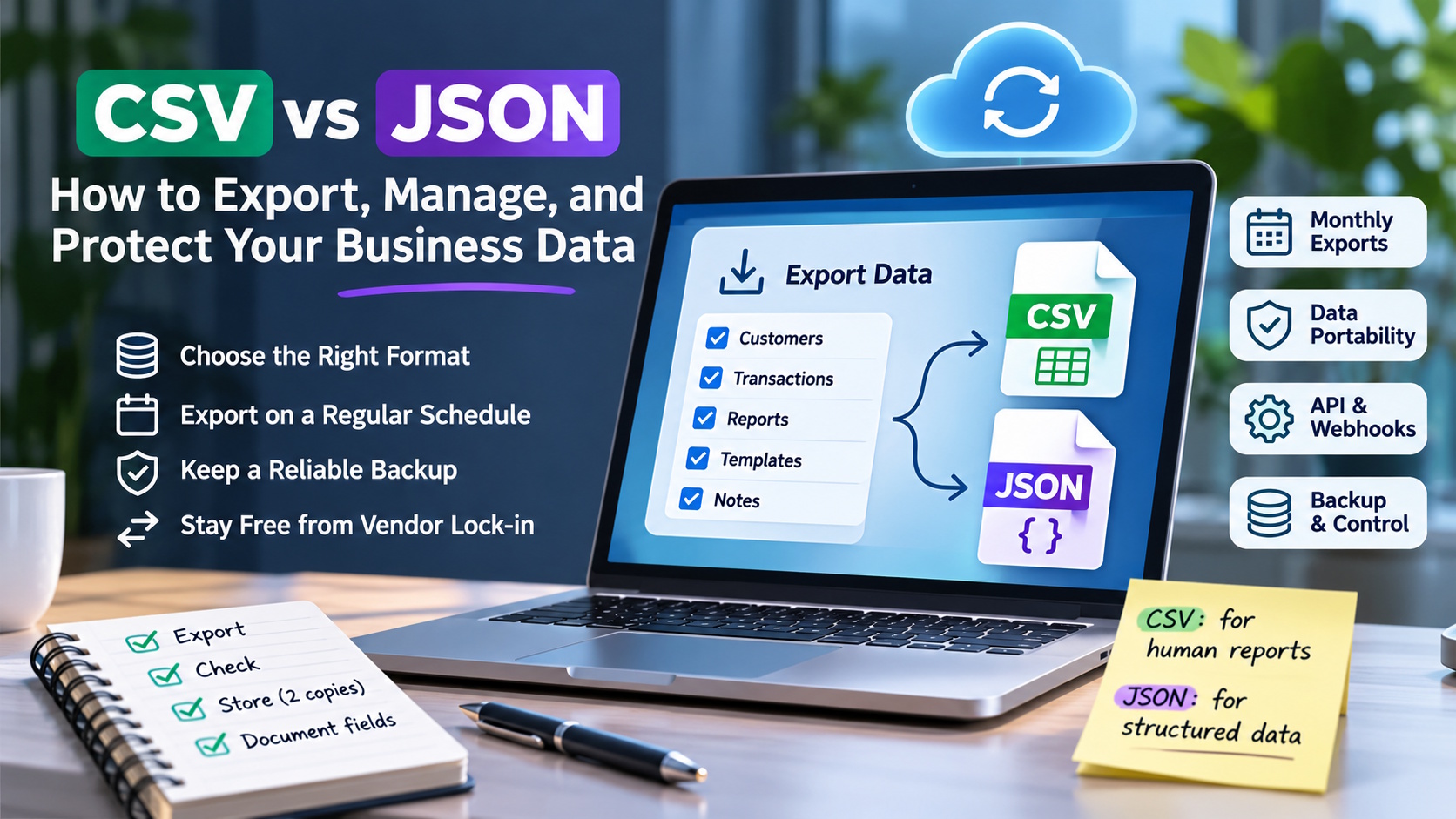
Most teams think about data export once: on the day they want to leave a tool. By then it is often too late to fix bad habits. Files come out in odd formats. Fields are missing. Nobody remembers what “status_2” meant.
This guide covers the two formats you will see most often, CSV and JSON. It explains when each one fits, and how to build a simple export routine so your data stays usable wherever it lives.
Why export matters even if you are happy with your tools
There are three practical reasons to export regularly.
- Backups you control. Cloud tools are reliable, but a copy you hold yourself protects you from accidents, account issues and human error.
- Analysis in other tools. Your spreadsheet, BI tool or accountant may need the data in a specific shape.
- Freedom to switch. If a better option appears, you can move without rebuilding years of history.
That last point is about avoiding vendor lock-in. Lock-in happens when leaving a product would cost so much in lost data or rework that you stay even when it no longer suits you.
What the law says (for personal data)
In the EU, the GDPR includes a right to data portability in Article 20. The Irish Data Protection Commission explains that, where the right applies, data controllers must provide personal data “in structured, commonly used and machine-readable form.” It also notes that people can ask for their data to be sent to another controller where technically feasible.
Two limits matter. The right covers personal data that a person has provided. It applies only when processing is automated and based on consent or a contract. It does not automatically cover all business data, such as your own analytics or internal notes. For those, portability depends on what your software provider offers. That is why it pays to check before you sign up.
CSV: simple, universal, flat
CSV (comma-separated values) is a plain text file where each line is a row and commas separate the columns.
Good for:
- Spreadsheets and quick analysis.
- Simple tables: one row per sale, per day, per account.
- Sharing with people who are not technical.
Watch out for:
- Nested data. CSV is flat. A record with a list inside it, such as a contact with several tags, has to be squashed into one cell or split across files.
- Commas and line breaks inside values. These need quoting. Badly built exports break here.
- Encoding. Non-English characters can turn into symbols if the file isn’t saved as UTF-8.
- Dates. “03/04/2026” means different things in different countries. Prefer ISO format (2026-04-03).
JSON: structured, flexible, machine-friendly
JSON (JavaScript Object Notation) stores data as nested objects and lists.
Good for:
- Data with structure, such as a message thread with replies, or an account with several settings.
- Moving data between software systems through APIs.
- Keeping field names and data types clear.
Watch out for:
- Readability. Large JSON files are hard to scan by eye.
- Spreadsheet use. You usually need a conversion step before opening JSON in Excel or Sheets.
- Schema drift. If the structure changes between exports, your scripts may break. Keep a note of the fields you rely on.
Rule of thumb: use CSV for reports humans will read. Use JSON for data that another system will read.
What a good export feature looks like
When you assess any business tool, look for these signs:
- Both formats available, so you can choose per task.
- Filtering by date range and by account or project, so you don’t have to download everything every time.
- Clear field names and some documentation of what each field means.
- An API, so exports can be automated instead of done by hand.
- Event notifications (webhooks), so other systems can react to changes in real time instead of polling.
A practical example comes from the creator economy, where agencies often manage many accounts at once. OnlyMonster, a Creator Operations Platform, lets teams export analytics, traffic links, notes and templates in CSV or JSON, by account or date range. It also offers a public API and webhooks. Whatever your industry, those are the kinds of specifics worth asking any vendor about. “You can export your data” is a claim. “These items, in these formats, filtered this way” is a feature.
A simple monthly export routine
You don’t need a data team to protect yourself. A small routine works:
- Pick the five datasets you could not rebuild. For most small businesses these are customers, transactions, key reports, templates and notes.
- Export each one monthly, in the format that fits: CSV for reports, JSON for structured records.
- Name files consistently, for example 2026-11_analytics_accountA.csv. Use the year first so files sort correctly.
- Store copies in two places, such as cloud storage plus an offline drive.
- Open one file each month. An export you never check is an export you cannot trust. Look for empty columns, broken characters and cut-off rows.
- Write a one-page field guide. List what each important column means. Your future self, or your next hire, will thank you.
Common mistakes to avoid
- Exporting only once, at the end. You discover the gaps when you can no longer fix them.
- Trusting file size. A large file can still be missing the field you need.
- Mixing formats in one folder without names. Six months later nobody knows which file is current.
- Ignoring access. Export files contain real business data. Store them with the same care as the original system, and limit who can download them.
The bottom line
Data export is a quiet feature. It never appears in a product demo’s opening minute. But it decides whether your tools work for you or whether you work around them. Choose formats on purpose, export on a schedule, and check what you export. Then, if the day comes to switch, it will be a project, not a crisis.
-

-

-

-

-

-

-

-

-

-