Active client search in a professional network often demands a delicate balance and extreme caution. Platform algorithms closely monitor every action and block accounts at the slightest suspicion of spam. To maintain access to your contacts, it is crucial to act wisely and systematically.
Understanding Limits and Behavioral Factors
The LinkedIn network protects its users from intrusive outreach through strict daily limits. If you send hundreds of connection requests every day, the system will react immediately. It constantly evaluates user behavior patterns to identify suspicious automation.
For older profiles, around fifty invites per day is considered a safe threshold. New accounts are better off starting with ten or fifteen actions to build initial trust. Gradually scaling your outreach helps maintain a healthy profile standing over time.
It is also important to consider the frequency of viewing other people’s pages and the volume of messages. Sudden spikes in activity raise suspicion and lead to temporary bans. Keeping your daily actions consistent and natural is key to remaining completely under the radar.
Using Specialized Software
Manual work requires a lot of time, so professionals usually choose reliable software for automating LinkedIn prospecting. The Linked Helper program works as a standalone browser, fully simulating the actions of a real person on your computer.
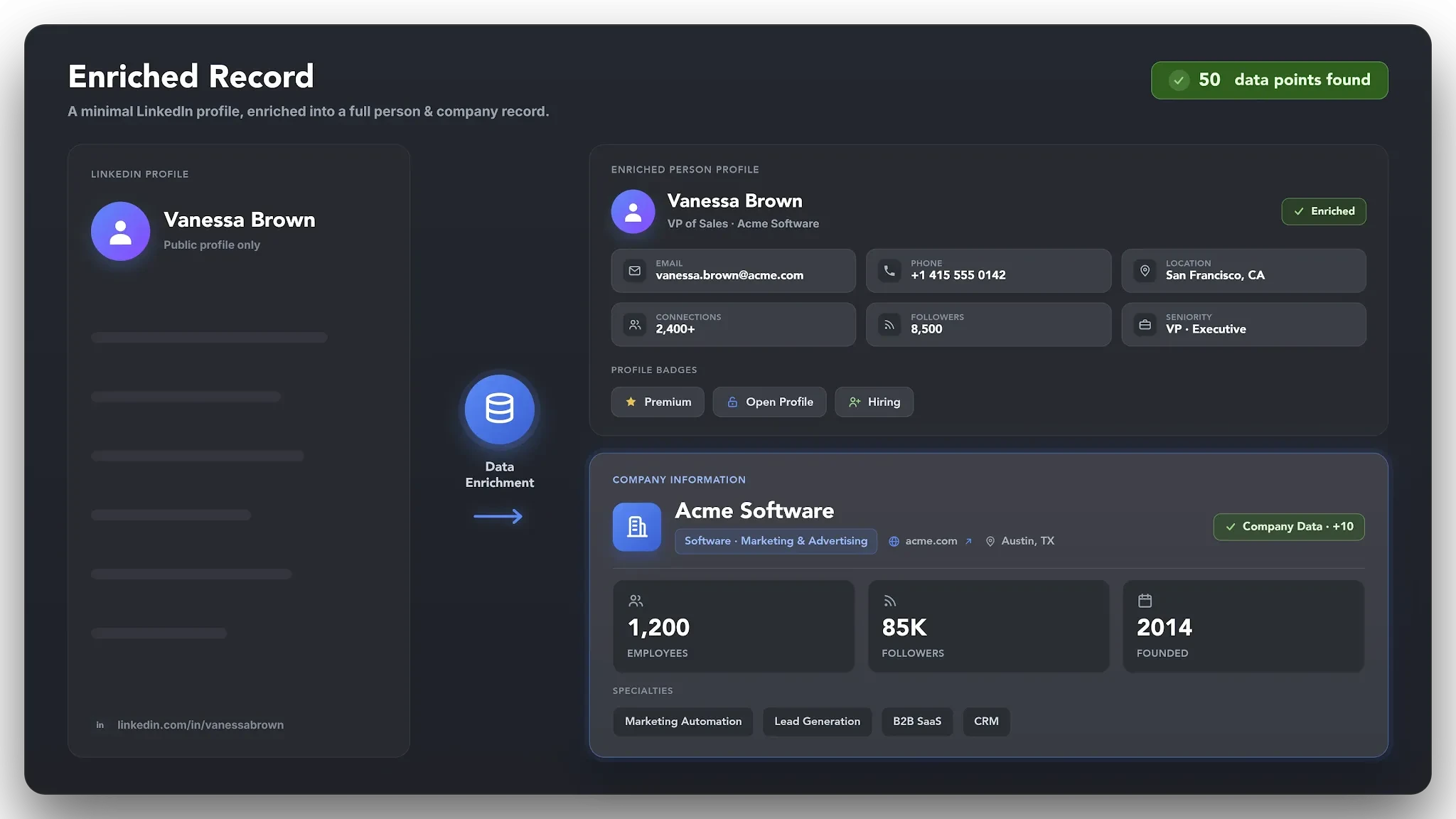

It moves the cursor, makes natural pauses between clicks, and types text at varying speeds. This allows you to safely build complex sales funnels, automatically warm up audiences with likes or comments, and collect databases without the risk of getting flagged as a bot.
Automation creates a steady stream of leads and significantly saves your working time. You can set up personalized message chains that stop immediately upon receiving a response from a potential client.
Technical Settings and Using Proxies
Attempting to access a single account from different corners of the world or multiple devices simultaneously is fatal. The system perceives this as a breach and blocks the profile. So, always tie one profile to a single IP address. If you manage multiple pages, use dedicated proxies from the country where the account is registered:
- use separate digital browser fingerprints for each individual profile;
- verify that the geographic location in your page settings matches your IP address;
- avoid logging into a single account simultaneously from a mobile app and specialized software;
- refrain from frequently changing browsers or operating system environments.
These simple technical steps guarantee protection against automated verification algorithms. They create the seamless appearance of ordinary activity from a regular user.
Gradual Warm-Up and Action Progression
You cannot start mass outreach immediately after registering an account. A profile must go through a mandatory warm-up phase, which usually lasts from three to four weeks. Start with minimal action volumes. Increase the load by only five or ten percent each week while carefully observing the system’s reaction.
Clearing Pending Requests and Content Engagement
Unaccepted connection requests accumulate and damage your profile’s reputation score. Algorithms consider a large number of pending invites a clear sign of spam activity. Therefore, regularly withdraw requests that have been pending for over a month. Try to keep this metric within a few hundred to maintain a high acceptance rate.
In parallel, publish useful posts and participate actively in professional discussions. Genuine activity in the feed shows the algorithms that the profile belongs to a real expert, rather than existing solely for sending promotional messages.
-

-

-

-

-

-

-
-
-

-