You know how it goes. You find a great video, maybe a recipe, a guitar lesson or a clip your friend would love, and you think, “I’ll come back to this.” A week later it’s gone, buried somewhere under 200 other Reels.
So you look for a way to save it, and that’s when the real headache starts.
A lot of downloader sites feel like a trap. There are three fake “Download” buttons, a pop-up for a VPN you never asked for, and a new tab that opens a casino page. By the time you find the real button, you’ve half forgotten why you came.
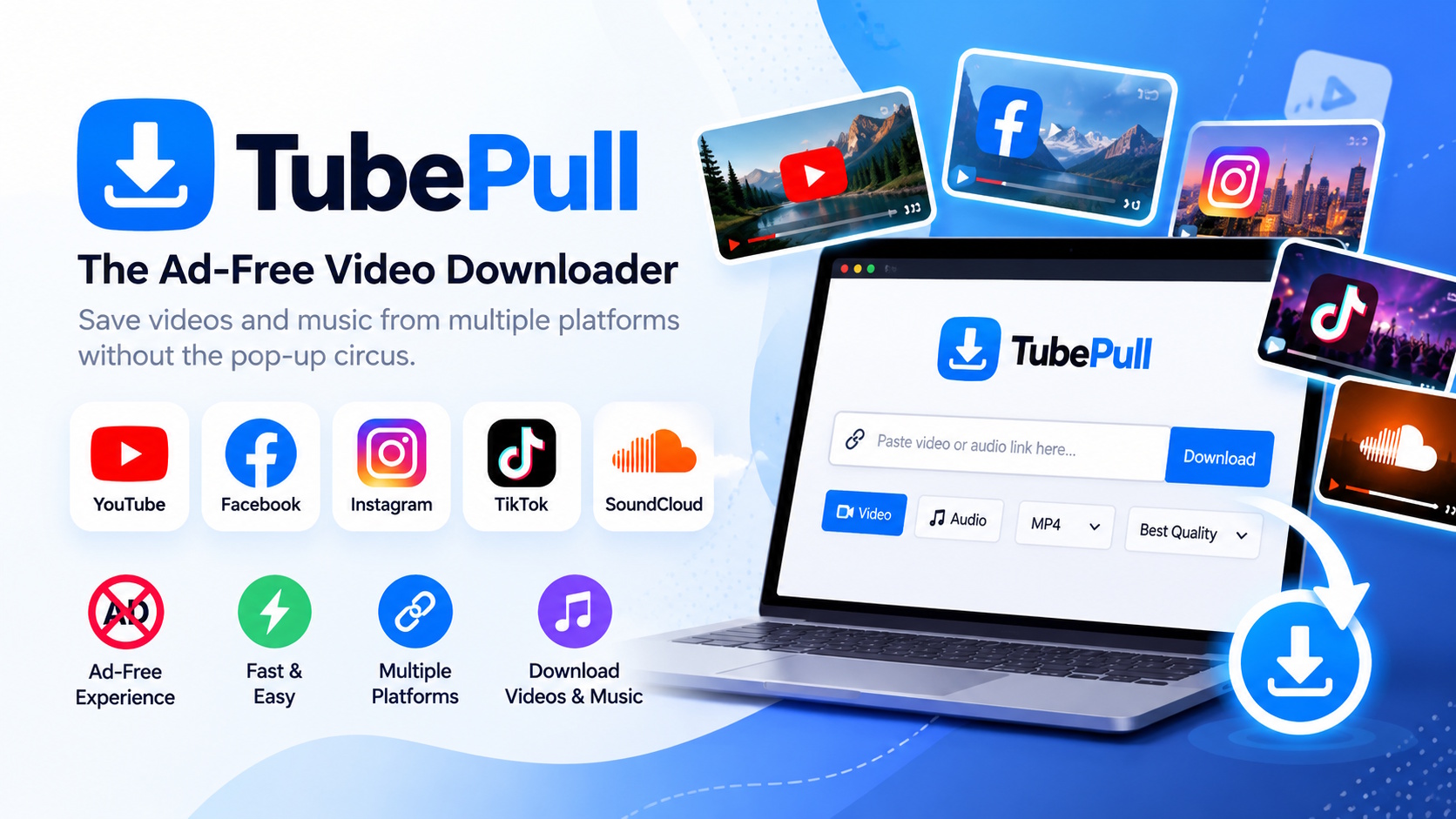
TubePull does things differently. It’s an ad-free video downloader that works with YouTube, Facebook, Instagram, TikTok and SoundCloud. You can save videos and music you’re allowed to keep without dodging ads the whole way. Below, I’ll cover what it does, who it’s for, and a few things to check before you hit download.
What Is TubePull?
TubePull is an online tool for saving eligible videos and audio from five big platforms, all in one place.
That’s more useful than it sounds. Most of us don’t stick to one app. You might learn Excel shortcuts on YouTube in the morning, scroll Instagram at lunch, laugh at a TikTok on the bus and play a SoundCloud mix while you work. Every platform has its own rules, and finding a separate downloader for each one gets old fast.
With TubePull, there’s just one place to check. Paste a link, see if it’s supported, and get on with your day.
The other big selling point? No ads. No banners, no sneaky redirects, no guessing which button is real.
Why an Ad-Free Downloader Is Worth Caring About
To be fair, ads aren’t evil. Plenty of free tools rely on them to stay running. The problem is how some downloader sites use them.
When an ad looks exactly like the button you need, it stops being an ad and becomes a trick. It turns a ten-second job into a small battle.
Here’s what changes when the ads are gone:
- You can see what you’re doing. The download option isn’t hidden between flashing banners.
- No more closing pop-ups. You don’t have to shut window after window just to get one file.
- It works better on your phone. Cluttered pages are annoying on a laptop. On a small screen, they’re close to unusable.
- Fewer wrong clicks. Fewer fake buttons means fewer accidental trips to shady pages.
One honest caveat: “ad-free” doesn’t mean “risk-free.” Any website can still be unsafe, so be careful if something asks you to install software or grant strange permissions. Still, getting rid of the clutter is a real win.
5 Platforms TubePull Supports (and When Each One Comes in Handy)
1. YouTube Video Downloader for Tutorials and Lessons
YouTube is where a lot of us go to learn things: how to fix a leaky tap, how to edit photos, how one camera compares to another before you buy it.
An offline copy helps when your Wi-Fi is patchy. It also helps if you’re a teacher putting together your own class materials, or a creator who wants a backup of everything you’ve uploaded.
TubePull supports eligible YouTube content. That said, YouTube’s own offline feature is often the better choice, since it’s the official route. If you do use a third-party tool, stick to videos you own or have clear permission to save.
2. Facebook Video Downloader for Clips You Want to Keep
Facebook moves fast. A useful video in a busy group can be buried under fifty new posts by tomorrow.
If it’s your own upload, or someone has said you’re welcome to save it, keeping a copy makes things easier. TubePull handles Facebook links, so it’s a simple place to start.
Just remember that being able to watch a video isn’t the same as having permission to download it. Many Facebook posts are shared with a small circle for a reason, so respect that.
3. Instagram Reels Downloader for Creators
Reels are everywhere now: quick recipes, workout tips, product demos, travel clips.
If you’re a creator, backing up your own Reels just makes sense. Accounts get hacked and posts get taken down. With the original files, you can re-edit or repost later without starting from scratch.
TubePull supports Instagram content. What you can save depends on the post’s privacy settings and Instagram’s own limits. If it’s someone else’s work, ask first.
4. TikTok Video Downloader for Your Own Content
TikTok isn’t just dance trends anymore. People share cooking hacks, money tips, tech tutorials and honest product reviews there.
Creators who post on several platforms often need clean copies of their TikToks to reuse elsewhere. TubePull lets you save eligible videos without extra hassle.
If a creator has turned off downloads, take the hint and find an approved way to watch the video instead.
5. SoundCloud Downloader for Music and Audio
Not everything worth saving is a video. SoundCloud is home to indie artists, DJs, producers and podcasters, and many of them share work you won’t find anywhere else.
TubePull includes SoundCloud, which helps if you work with both audio and video. The catch is that some tracks are meant for streaming only. TubePull supporting SoundCloud doesn’t mean every track can be downloaded. Go by what the artist allows.
Who Is TubePull Best For?
Not everyone needs a downloader. If you watch a couple of videos a week, each app’s built-in save button is probably enough.
TubePull makes more sense if you’re one of these people:
- Students and self-learners who want permitted lectures or tutorials on hand for revision, especially if their internet is unreliable.
- Content creators posting across several platforms who need backups of their own work.
- Heavy social media users who’d rather use one tool for Facebook, Instagram and TikTok than three different sites.
- Music lovers and audio creators who want SoundCloud in the same place as their video sources.
- Researchers and professionals who keep reference material, like interviews or demos, that they have the rights to use.
What to Look For in Any Video Downloader
Supporting lots of platforms is nice, but it’s not the whole story. Before you settle on any tool, TubePull included, think about:
- How easy it is to use. You shouldn’t need a guide to download one clip.
- How it handles ads. Misleading buttons are a red flag. This is where TubePull clearly stands out.
- Whether it works on your setup. Try it in your browser and on your devices, both phone and desktop.
- Format and quality options. Resolution, audio-only downloads and file types vary. Don’t assume every video comes in every format.
TubePull does well on the first two points. For the rest, test it with the content you actually plan to save.
Quick Safety and Copyright Tips Before You Download
A few common-sense habits go a long way:
- Check permission first. Download your own content or content the creator lets you save.
- Downloading isn’t owning. Saving a file doesn’t give you the right to repost it, sell it or use it in ads.
- Watch out for strange files. You shouldn’t need an .exe file, a browser extension or a random app to save an ordinary video.
- Never hand over passwords. No downloader needs your Instagram or Facebook login.
- Don’t get around privacy settings. If a video is private, leave it that way.
These tips apply to every downloader, not just TubePull.
Frequently Asked Questions
Is TubePull really ad-free? Yes. TubePull is built around an ad-free experience, so you won’t deal with pop-ups, banners or fake download buttons.
Which platforms does TubePull support? YouTube, Facebook, Instagram, TikTok and SoundCloud.
Can I download any video with TubePull? No. It depends on the content’s privacy settings, the platform’s restrictions, and whether you have permission to save it.
Is it legal to download videos from YouTube or TikTok? It depends on the content, the platform’s terms and where you live. Downloading your own uploads, or content the creator has clearly allowed, is the safest approach.
Can I download music from SoundCloud with TubePull? Only tracks that the artist has made available and that you’re permitted to save.
Final Verdict: Is TubePull Worth Trying?
Our content is spread across a handful of apps, and keeping track of what we want to save is messier than it should be.
TubePull doesn’t try to do anything fancy. It puts five popular platforms in one place and removes the ads that make most downloader sites such a pain. That’s really all it does, and for most people that’s enough.
If you often save your own videos, organize learning materials you’re allowed to keep, or work with downloadable audio, it’s worth a look. Just keep it legal, respect creators, and use official offline options when they suit you better.
Looking for an ad-free video downloader that keeps things simple? TubePull is a good place to start.
-
-

-

-

-

-

-

-
-

-