A blog post can be drafted in five minutes with AI. Getting that post ready for publication is another story.
You still need to check the facts, remove unnecessary paragraphs, find a suitable image, and make sure the article actually answers the reader’s question. Sometimes AI saves you an hour. Other times, you spend so long fixing its mistakes that writing the content yourself would have been quicker.
This is what makes choosing AI tools for content creation in 2026 a little more complicated than it first appears. There are plenty of applications promising faster writing, better images, and easier video production. The challenge is finding the ones that work well for your particular needs.
Rather than signing up for every new platform, it makes more sense to start with your existing workflow and identify where a little automation would make a genuine difference.
The Best AI Writing Tool Is Not Always the One That Writes the Most
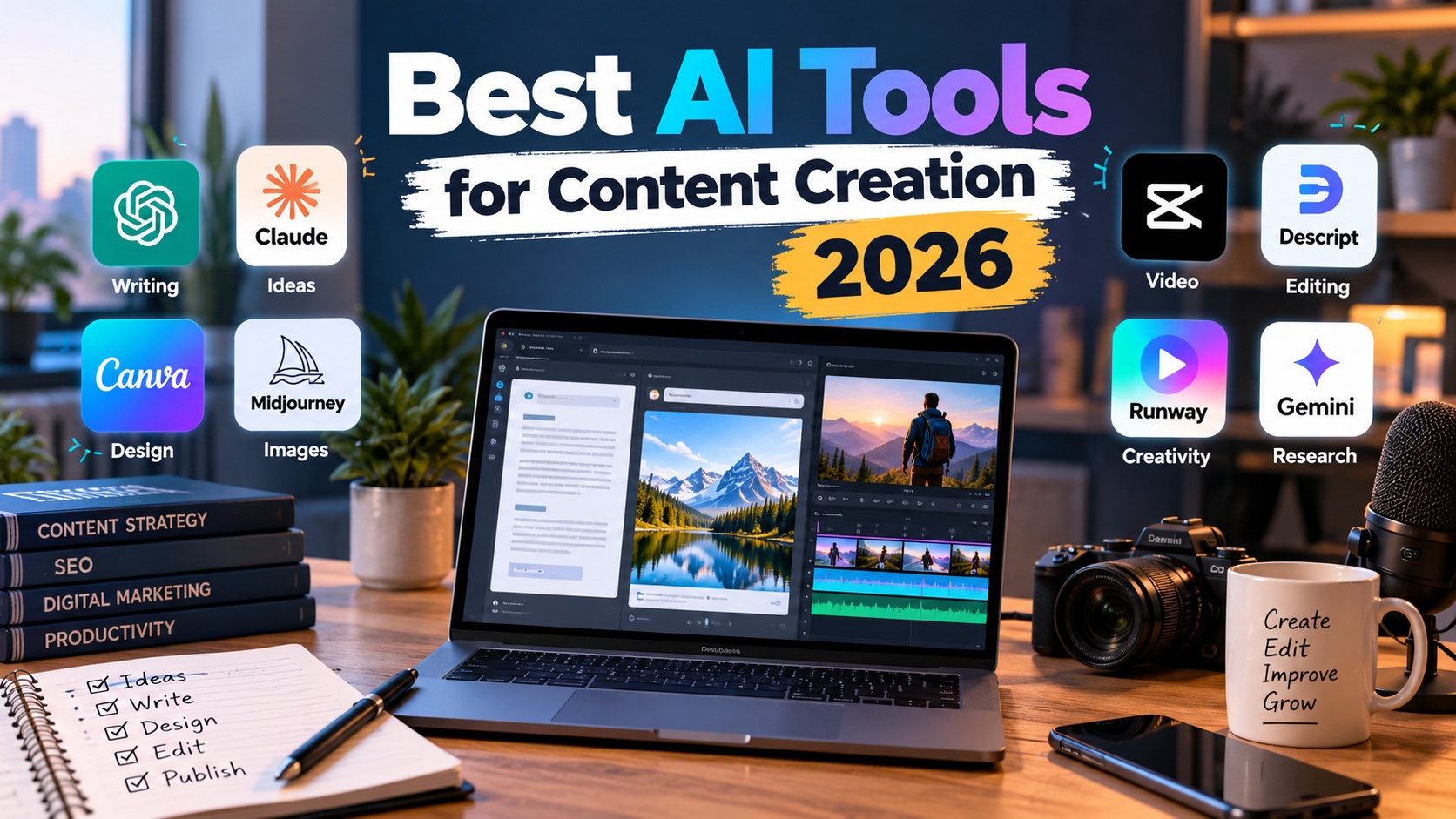
Tools such as ChatGPT, Claude, and Google Gemini can help with article planning, brainstorming, editing, and research assistance. They are useful in different situations, but none of them automatically guarantees a publishable article.
Consider a small business owner who wants to write about website security. A broad request for an article might produce familiar advice about strong passwords, software updates, and secure hosting. That information may be correct, but it does not necessarily help a reader decide what to do next.
A more useful approach is to ask the assistant to identify practical questions the article should answer. What should a website owner check after installing an SSL certificate? Which backup mistakes can cause problems during recovery? What should be considered before enabling a new security feature?
These questions give the writing a purpose.
Once you have researched the subject, AI can help organize your findings and improve the explanations. You can then add examples, verify technical details, and remove anything that does not contribute to the article.
The distinction matters because fluent writing and useful writing are not the same thing. A paragraph can sound convincing while offering very little information.
For everyday content work, look for a writing assistant that follows instructions reliably, handles your preferred style, and produces drafts that need relatively little correction. A long list of features is less important than consistent results.
Creating Images Without Turning Every Article Into a Design Project
Visual content presents a different challenge. A technology blog might publish several articles each week, and finding a suitable featured image for every one can become a repetitive task.
Canva is useful for creating graphics from templates, maintaining consistent branding, and preparing images for different platforms. AI image-generation tools serve a different purpose: they can create visual concepts from descriptions when an ordinary stock photograph does not fit the subject.
For example, an article about cloud storage could use an illustration showing files moving between a computer, a remote server, and a backup location. That visual would help explain the subject rather than simply decorate the page.
The first result will not always be the right one. Generated images may contain distracting details, confusing layouts, or objects that do not make sense. You may need several attempts before getting something suitable.
There is also a practical question: does the image need to be generated at all? For a straightforward tutorial, a genuine screenshot with useful annotations may explain the process far better than an elaborate illustration.
Choose the format that helps readers understand the content. AI generation is one option, not a requirement.
Video and Audio Tools: Where Automation Can Save Real Effort
People who publish videos often spend a surprising amount of time on tasks that viewers never notice. Correcting subtitles, removing awkward pauses, cleaning up background noise, and preparing clips for social media can take longer than expected.
This is where specialist tools become useful.
Descript offers editing based on video and audio transcripts, while CapCut provides accessible editing features for short-form videos and social media content. Depending on the service, AI features may also help with transcription, captions, voiceovers, or audio enhancement.
Imagine recording a software tutorial that runs for 20 minutes. You could publish the complete recording, extract a short demonstration, turn the transcript into a written guide, and prepare a few social media posts.
AI-assisted editing can reduce the time needed to prepare those different formats. It cannot decide automatically whether every extracted clip makes sense on its own, though. A short video that removes an important explanation may confuse viewers rather than help them.
Always review captions, especially when they include product names, technical terminology, or figures. Small transcription errors can undermine an otherwise useful tutorial.
For creators who rarely publish video, a basic editor may be sufficient. Someone producing tutorials every week might benefit considerably from more advanced automation.
Free vs. Paid AI Tools: When Is an Upgrade Worth It?
There is no reason to pay for an AI subscription simply because a competitor has announced a premium plan. The decision should depend on how you use the software.
Free tools can be enough for occasional blog writing, basic graphics, and experimenting with new ideas. Their limitations become more noticeable when you need higher usage allowances, additional features, collaboration options, or a reliable production workflow.
Suppose a paid application costs $20 per month. If it saves you several hours of repetitive work each month, the expense may be justified. If you only open it twice a month, the same subscription might be unnecessary.
There is another cost worth considering: editing time. An inexpensive tool that produces inconsistent results can become more expensive in practice than a paid alternative that gets the job done properly.
Before upgrading, try a real assignment rather than a quick demonstration. Write a complete article outline, create a graphic you intend to publish, or edit an actual recording. Pay attention to the quality of the result and the time you spend correcting it.
That will tell you much more than a promotional video.
How to Compare AI Tools Without Wasting Money
With new AI applications appearing regularly, choosing software based on popularity is an unreliable strategy. A highly rated product may be excellent for designers but unsuitable for someone who primarily writes technical documentation.
Start by narrowing your choices to two or three tools that address the same problem. Give them comparable tasks and evaluate the results against your own requirements.
If you are comparing writing assistants, examine factual accuracy, clarity, instruction-following, and editing requirements. For image generators, consider whether they follow your visual brief and produce images appropriate for your website. For video software, pay attention to export quality, caption accuracy, and the amount of manual work remaining.
You can also consult AiToolVerdicts to explore AI tool reviews and comparisons before deciding which platforms to test.
Treat online reviews as useful starting points rather than unquestionable recommendations. Check publication dates, confirm current pricing with the provider, and look for specific examples of how a product performs. Privacy policies and commercial-use terms deserve attention too, particularly if you handle client files or unpublished business material.
A short trial using your own work will often reveal limitations that a feature list cannot.
Build a Workflow You Can Maintain
The easiest way to make AI useful is to give each tool a clear job.
A blogger might use one assistant to plan an article, a design application to prepare the featured image, and an editor to check the final draft. A video creator may need a transcription service and an editing application but have little use for a dedicated writing subscription.
There is no universal combination that suits everyone.
Start with one recurring task that consumes more time than it should. Test a tool against that task, keep it if the improvement is worthwhile, and move on to the next problem only when necessary.
Also, decide which tasks should remain under your direct control. Researching important claims, protecting confidential information, checking permissions, and reviewing the finished content should not become afterthoughts simply because an AI tool is available.
Final Thoughts
The most useful AI tools for content creation in 2026 are not necessarily the newest or most expensive. They are the ones that fit naturally into your work and consistently produce results worth using.
A writing assistant might help you organize a difficult topic. An image generator could give you a visual starting point, while an editing tool might remove hours of repetitive video work. Each has value when it solves a genuine problem.
Try a few options, judge them using real assignments, and avoid paying for features you rarely use. Most importantly, do not confuse producing content quickly with producing content people want to read.
AI can help with the work behind good content. The judgment that makes it accurate, relevant, and worth publishing still matters just as much.
-

-

-

-

-

-

-

-

-

-