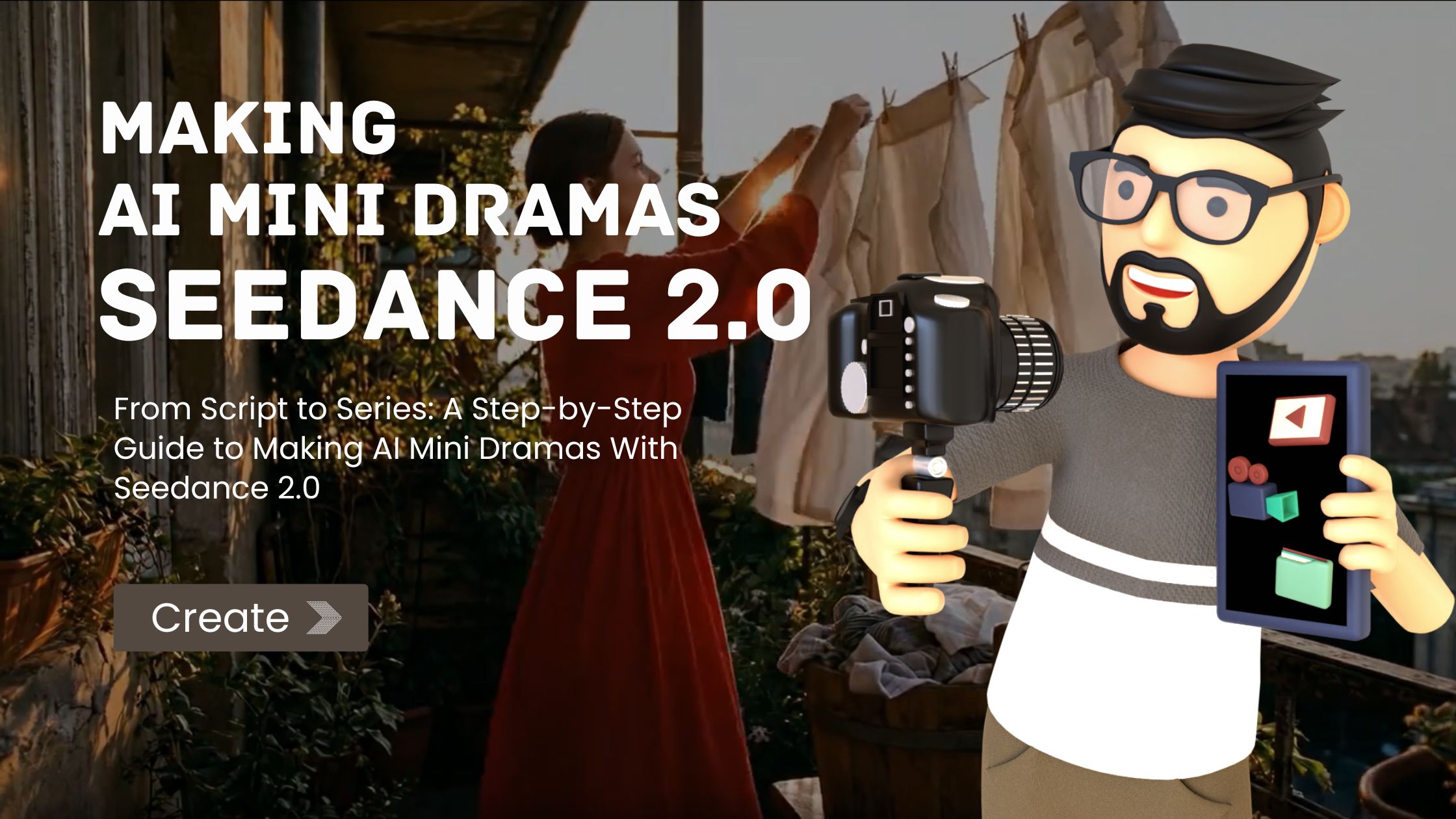
The idea of making a drama series used to require a list of things most people don’t have: actors, locations, cameras, lighting rigs, a sound team, an editing suite, and enough money to keep all of those things working together for however long production takes. The gap between “I have a story I want to tell” and “I can actually produce that story as a watchable series” was enormous, and it was defined almost entirely by access to resources rather than creative ability.
That gap has narrowed dramatically. A growing number of creators are producing serialized narrative content — actual multi-episode stories with characters, plot arcs, and dramatic structure — using AI video generation as their primary production tool. The results aren’t indistinguishable from traditionally produced drama. They look like AI-generated content, and the audience knows it. But the storytelling can be genuinely compelling, and the format has developed a dedicated viewership on platforms like TikTok, YouTube Shorts, and Instagram Reels that returns for each new episode the way audiences have always returned for serialized fiction.
This guide walks through the complete workflow for producing an AI mini drama series using Seedance 2.0, from the initial script through to a finished multi-episode series ready for posting. The process borrows heavily from traditional film pre-production and post-production methods, adapted for a pipeline where the camera and actors are replaced by a generation model and the shooting stage becomes a series of directed generation sessions.
Step One: Write a Script That Works in Fragments
The script is where everything starts, and writing for AI mini drama requires thinking about structure differently than writing for traditional production. The fundamental constraint is the generation length — clips up to fifteen seconds. Your script needs to be built from beats that can each be captured in a single short clip, then assembled into scenes and episodes through editing.
A useful framework is to think in terms of shots rather than scenes. Each shot is one generation session. A shot might contain a single action: a character opens a door and steps into a room. Another shot captures a reaction: a second character looks up with surprise. A third establishes context: a wide view of the room showing both characters and the space between them. Individually, each shot is a fragment. Together, they construct a scene through the same editorial logic that traditional filmmaking uses.
For a mini drama series, a practical episode length is one to three minutes. At an average of eight to ten seconds of usable footage per generated clip after trimming, that translates to roughly eight to twenty shots per episode. A five-episode series might require sixty to a hundred total generation sessions — a substantial but manageable amount of work spread across a production period of days or weeks.
Write your script with shot boundaries marked. Each shot description should include what the viewer sees, what action occurs, the framing you want, and any important audio elements. Keep each shot description focused on a single clear beat. If you find yourself describing multiple actions or emotional shifts within one shot, split it into two. The generation model works best when given a clear, focused instruction rather than a complex multi-part sequence.
Step Two: Build Your Character Reference Kits
Character consistency is the single most important technical challenge in AI mini drama production, and it’s managed through disciplined use of reference images. Before generating a single frame of your series, you need to establish a visual identity for every recurring character.
A character reference kit typically includes three to five images that define the character’s appearance from different angles and in different expressions. If you’re working with AI-generated character designs, produce a set of portraits that clearly establish the face, hair, body proportions, and default clothing. If you’re working with illustrated or stylized characters, ensure the reference images capture the art style consistently.
The same reference kit gets uploaded every time that character appears in a generation session. This is non-negotiable for consistency. Skipping the reference images for even one shot can produce a version of the character that doesn’t match the others, and that discontinuity will be visible when the clips are edited together. Treat the reference kit as your cast — these images are your actors, and they need to show up to every scene.
For scenes involving multiple characters, upload reference kits for all characters present and use your text prompt to clarify who is who and where they are in the frame. Something like “the woman from reference image one stands on the left, the man from reference image two sits at the desk on the right” gives the model explicit spatial instructions that reduce confusion between characters.
Step Three: Design Your Visual World
Beyond characters, the visual environment of your series needs consistency. A story set in an apartment should look like the same apartment in every scene that takes place there. A recurring outdoor location should maintain the same general appearance. Lighting conditions, color palettes, and architectural details should remain stable unless the story specifically calls for a change.
Create environment reference images for each recurring location in your series. These can be photographs of real places that match your vision, concept art you’ve created, or AI-generated images that establish the setting. When generating a scene in a specific location, include the relevant environment reference alongside your character references. The text prompt describes the action and framing. The character references define who appears. The environment references define where they are.
Establishing a consistent color palette for your series helps both the model and the viewer. If your story has a cold, blue-toned visual identity, maintain that direction in your prompts and reference images across every episode. If it’s warm and saturated, keep that consistent. Visual coherence across episodes is what makes a collection of clips feel like a series rather than a random assortment of generated footage.
Step Four: Plan Your Audio Strategy
Audio continuity is what separates a sequence that feels stitched together from one that feels like a continuous piece. Before generating, decide on your audio approach for the series.
The most reliable method for consistent audio across a scene is generating clips with ambient sound and then laying a continuous music track in post-production. Choose or create a musical theme for your series — a piece of music that establishes the emotional tone and carries across episodes. This track becomes part of your brand identity as a series and gives viewers an auditory anchor that signals “a new episode is starting” the way a television theme song does.
For specific moments that need synchronized sound — a door slamming, footsteps approaching, a glass breaking — you can upload audio references or describe the sound in your text prompt. Seedance 2.0 generates audio alongside video, so sound effects can be built into individual clips. The continuous music bed in your editing software handles the macro-level audio consistency, while the per-clip generated sound handles moment-specific effects.
For dialogue, the current practical approach is adding text overlays in post-production rather than relying on generated speech. The model’s speech generation has improved significantly, but for scripted dialogue where specific words matter, text overlays give you complete control and avoid the inconsistencies that can occur with generated voice. Many successful AI mini drama series use this text-overlay approach, and audiences have accepted it as part of the format’s visual language.
Step Five: Generate Scene by Scene
With your script broken into shots, your character kits prepared, your environments established, and your audio strategy decided, the generation phase begins. Work through your script shot by shot, treating each generation session as a directed take.
For each shot, assemble your inputs: the relevant character reference images, the environment reference for the scene’s location, any reference video for specific camera movement or action choreography, audio input if the shot requires musical synchronization, and a text prompt that describes what happens in this specific beat.
Write your text prompt with the same specificity you’d use to direct an actor and a cinematographer. Not “two people talk in a room” but “medium shot, woman standing by the window turns to face the man sitting at the table, afternoon light from behind her creates a silhouette effect, her expression shifts from neutral to concerned.” The more specific and visual your prompt, the more likely the output matches your intention.
Expect to generate multiple takes for each shot. Not every generation will produce usable output. Some will nail the composition but miss the character’s expression. Some will get the action right but the framing wrong. This is normal and mirrors the multiple-take workflow of traditional production. Review each output, select the best version, and move on. For critical story moments — emotional turns, reveals, climactic beats — be willing to invest more attempts to get the output right. These are the moments your audience will remember.
Use the video extension feature for shots that need to be longer than a single generation or for moments where continuous action is important. Generate the first half of the action, then extend with instructions for the continuation. The extension maintains visual consistency with the original clip, producing footage that cuts together seamlessly.
Step Six: Assemble and Edit
The editing phase is where your generated clips become a story. Import all selected takes into your editing software — any standard tool works, from professional applications to free options. Arrange the clips according to your script, trimming each shot to the exact duration that serves the pacing of the scene.
Pacing is where the editorial craft matters most. The difference between a scene that feels dramatic and one that feels flat often comes down to how long you hold each shot and where you place the cuts. A reaction shot held for an extra half second can make an emotional beat land. A quick cut between two characters during a confrontation creates tension. A slow fade between scenes signals the passage of time. These are storytelling decisions that happen entirely in editing, and they’re what transform a sequence of generated clips into a narrative experience.
Apply your music track across the episode, adjusting levels so it supports the emotional arc without overwhelming the visuals. Balance the per-clip ambient sound with the music bed. Add text overlays for dialogue, timing each line to match the character’s on-screen expression. Add any title cards, episode numbers, or series branding that help viewers navigate the serialized format.
Step Seven: Release and Build
Publishing strategy for a serialized AI mini drama matters as much as production quality. A release schedule of one to two episodes per week gives the audience enough frequency to maintain engagement without unsustainable production pressure. Each episode release should be accompanied by a shorter teaser clip — a single striking shot posted as standalone content that drives viewers to the full episode and expands your reach beyond existing followers.
Engage with the audience that forms around your series. Serialized content builds community in a way that standalone posts don’t — viewers invest in characters, speculate about plot directions, and return each week. That community becomes the foundation for everything that follows: the next series, the expanded creative ambitions, the career that a year ago seemed impossible without a production budget.
The entire pipeline from script to published episode lives within reach of anyone with a clear story, a set of reference images, and Seedance 2.0 for generation. The traditional barriers — cast, crew, locations, equipment, budget — don’t apply in this workflow. What remains are the barriers that have always separated good storytelling from mediocre storytelling: a compelling premise, characters that people care about, pacing that holds attention, and the discipline to see a series through from the first episode to the last. Those are creative challenges, not production challenges. And creative challenges are the ones worth having.
-
-
-
-

-

-

-

-

-

-