If you’ve ever searched for a free PDF converter online, you already know the struggle. Many tools promise quick results, but then ask you to create an account, limit your usage, reduce file quality, or add hidden restrictions. What should be a simple task converting a PDF often turns into a frustrating experience.
That’s exactly why we’re introducing a better solution.
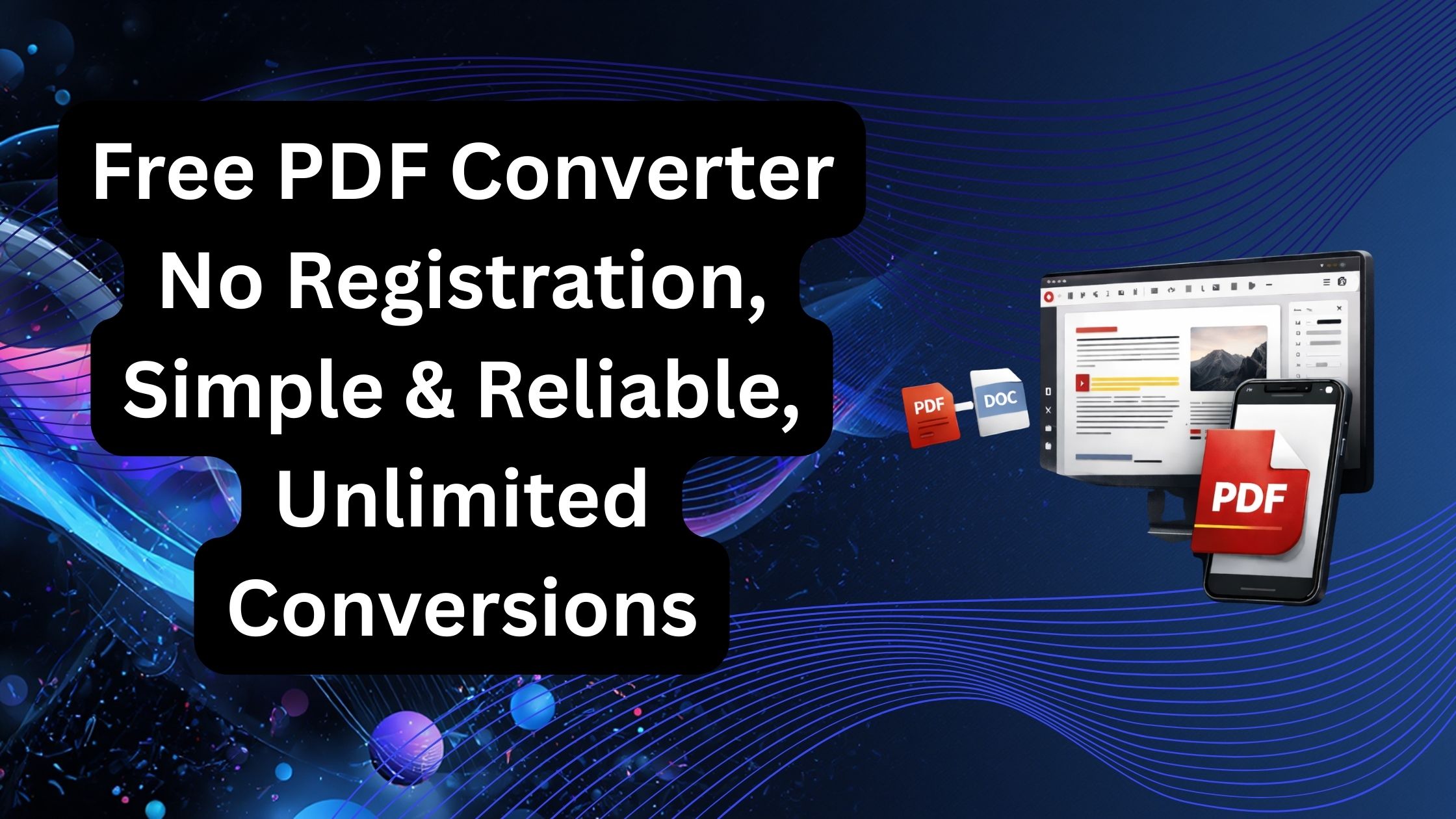
Our pdflove.net converter is built around three simple principles: free access, no registration, and unlimited conversion. No unnecessary steps. No complicated dashboard. Just a clean and reliable tool that works when you need it.
Why Simplicity Matters
When someone wants to convert a file, they usually need it done quickly. Maybe it’s a contract that needs editing, a report that must be shared in another format, or a scanned document that needs processing. In these moments, speed and ease are everything.
Our PDF converter removes the friction. You upload your file, choose the format, and download the result. That’s it. No account creation. No email verification. No waiting in long queues.
This makes it perfect for:
- Students converting assignments
- Professionals editing documents
- Businesses handling reports
- Freelancers preparing client files
- Anyone who values time and simplicity

Completely Free – With No Registration
Many online PDF tools advertise themselves as “free,” but that freedom comes with limits. Some restrict the number of conversions per day. Others reduce quality or lock features behind a paywall.
Our approach is different.
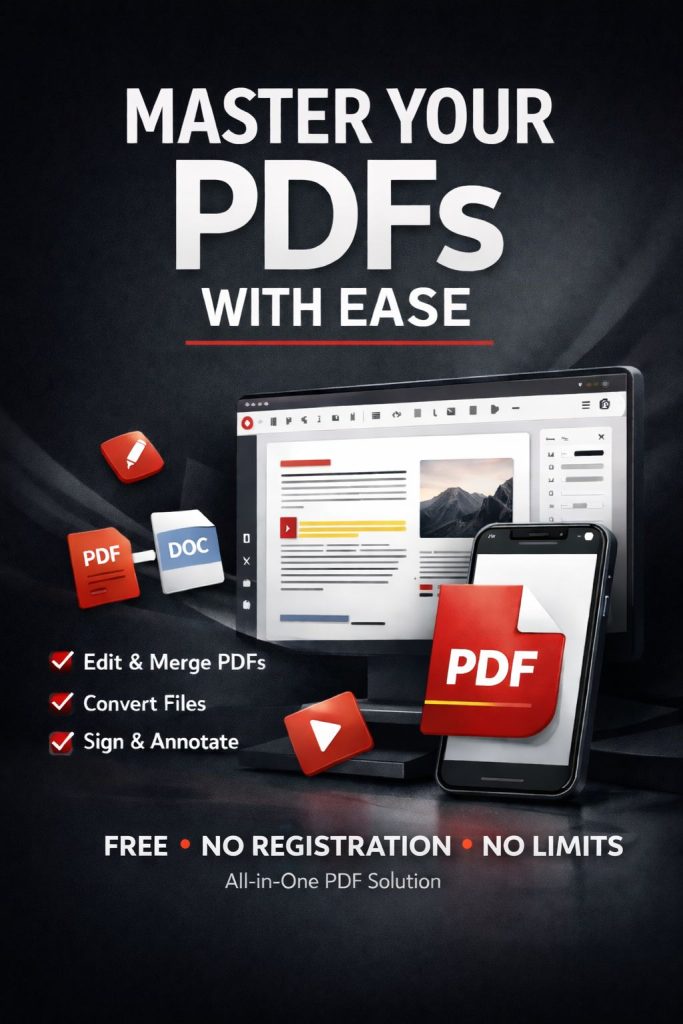
You don’t need to sign up. You don’t need to enter personal details. You don’t even need to confirm your email. The tool is available instantly, and you can use it as much as you need.
This makes it especially helpful for users who:
- Don’t want to share personal information
- Need a quick one-time conversion
- Are working on shared or public computers
- Prefer privacy and simplicity
Unlimited Conversion Without Hidden Limits
One of the biggest frustrations with online tools is running into unexpected limits. You convert two files, and suddenly you’re asked to upgrade.
With our converter, you can process multiple files without worrying about daily caps or artificial restrictions. Whether you’re converting one document or many, the experience remains smooth and consistent.
Unlimited conversion is especially useful for:
- Small businesses handling bulk documents
- Remote teams sharing files in different formats
- Designers and content creators
- Administrative work and archiving
Reliable Performance You Can Trust
Speed is important, but reliability is essential.
A good PDF converter should maintain formatting, preserve text clarity, and keep images sharp. When you convert a file, you expect it to look professional and accurate.
Our system focuses on delivering consistent results. Layouts remain intact, fonts are preserved whenever possible, and document structure stays organized. This means fewer surprises and less time spent fixing formatting issues after conversion.
Designed for Everyday Use
We understand that most people don’t need complicated features. They need something that works. That’s why our PDF converter is designed with a clean interface and straightforward process.
There’s no learning curve. No technical knowledge required. Even first-time users can complete a conversion in seconds.
The goal is simple: make document conversion easy for everyone.
Safe and Convenient
Privacy is a growing concern when using online tools. Users want to know that their files are handled responsibly.
Our converter focuses on secure processing and smooth performance so you can convert documents without unnecessary exposure or intrusive requirements.
You stay in control. No forced accounts. No marketing emails. Just your file, converted quickly and efficiently.
Perfect for Work, Study, and Business
PDF files are used everywhere contracts, invoices, reports, ebooks, presentations, resumes, and more. Being able to convert them easily can save time and improve productivity.
Whether you’re converting:
- PDF to Word for editing
- PDF to Excel for data analysis
- PDF to PowerPoint for presentations
- PDF to image formats for sharing
- Or other common document formats
You can rely on a tool that keeps the process smooth and stress-free.
A Better Way to Convert PDFs
The internet doesn’t need another complicated PDF tool. It needs a simple, free, reliable solution that respects users’ time and privacy.
That’s exactly what we provide:
- Free PDF conversion
- No registration required
- Simple and user-friendly
- Unlimited usage
- Fast and dependable results
Frequently Asked Questions
What is a free PDF converter without registration?
A free PDF converter without registration is an online tool that lets you convert PDF files to other formats, or convert other file types into PDF, without creating an account or providing personal information. These tools are ideal for users who need quick, hassle-free document conversion while protecting their privacy.
Is it safe to use an online PDF converter?
Yes, reputable online PDF converters use secure file transfers and automatically remove uploaded files after processing. Before using any converter, check its privacy policy, encryption practices, and file retention policy to ensure your documents are handled securely.
Do I need to create an account to convert PDF files?
Not always. Many modern PDF conversion tools allow users to upload, convert, and download files instantly without creating an account. This saves time and eliminates unnecessary registration steps, especially for one-time conversions.
Can I convert PDF files for free without limitations?
Some online PDF converters offer unlimited conversions with no registration, while others restrict the number of daily conversions, file sizes, or available features. Always review a platform’s usage policy before relying on it for frequent document conversions.
Which file formats can be converted from PDF?
Most online PDF converters support popular formats, including:
- Microsoft Word (DOC, DOCX)
- Microsoft Excel (XLS, XLSX)
- Microsoft PowerPoint (PPT, PPTX)
- JPG and PNG images
- TXT
- HTML
- EPUB
- Other document and image formats
The exact formats available depend on the conversion platform.
Can I convert Word, Excel, or PowerPoint files into PDF?
Yes. Most PDF conversion platforms support converting Office documents such as Word, Excel, and PowerPoint into PDF while preserving formatting, fonts, images, and page layout whenever possible.
How long does PDF conversion usually take?
Most PDF conversions finish within a few seconds. Larger files, scanned documents, password-protected PDFs, or complex layouts containing images and graphics may require more processing time depending on file size and server workload.
Will PDF formatting stay the same after conversion?
A high-quality PDF converter attempts to preserve text formatting, tables, images, fonts, and document layout. However, the final result may vary depending on the complexity of the original document and the output format selected.
Can I convert scanned PDF documents?
Yes. If the converter includes Optical Character Recognition (OCR), scanned PDFs can be transformed into searchable and editable documents. OCR recognizes printed text inside images and converts it into machine-readable text.
Does an online PDF converter work on mobile devices?
Yes. Most browser-based PDF converters work on smartphones, tablets, Chromebooks, Windows PCs, Macs, and Linux devices. As long as you have a modern web browser and an internet connection, you can convert files from almost anywhere.
Why should I choose a PDF converter without registration?
A no-registration PDF converter offers several advantages:
- Faster access
- Greater privacy
- No email verification
- No password management
- Ideal for occasional users
- Simple and convenient workflow
These benefits make it a practical choice for students, professionals, freelancers, and businesses that need quick document conversion.
Can businesses use free online PDF converters?
Yes. Small businesses, educators, remote teams, freelancers, and professionals often use online PDF converters for reports, contracts, invoices, presentations, forms, and other business documents. Organizations handling sensitive information should verify the platform’s security measures and data retention practices before uploading confidential files.
What should I look for in the best online PDF converter?
The best PDF converter should provide:
- No registration requirement
- Fast conversion speed
- Accurate formatting preservation
- Multiple supported file formats
- Secure file handling
- Automatic file deletion
- Cross-device compatibility
- Reliable performance
- Easy-to-use interface
- No hidden charges or unnecessary restrictions
These features improve both user experience and document quality.
Are browser-based PDF converters better than desktop software?
It depends on your needs. Browser-based converters are excellent for quick, occasional conversions because they require no installation and work across devices. Desktop software may be more suitable for large-scale batch processing, advanced editing, or offline use. Many users choose browser-based tools for convenience and desktop applications for specialized workflows.
Why are no-registration PDF converters becoming more popular?
Users increasingly prefer no-registration PDF converters because they save time, reduce friction, protect privacy, and provide instant access without requiring personal information. As more people work remotely and use cloud-based tools, simple browser-based document conversion has become a preferred workflow for both personal and professional use.
If you’re looking for a straightforward way to convert PDF files online without signing up or dealing with hidden restrictions, this tool is built for you.
Try it today and experience a PDF converter that focuses on what truly matters: simplicity, reliability, and unlimited freedom.
-
-

-
-
-

-
-
-

-

-