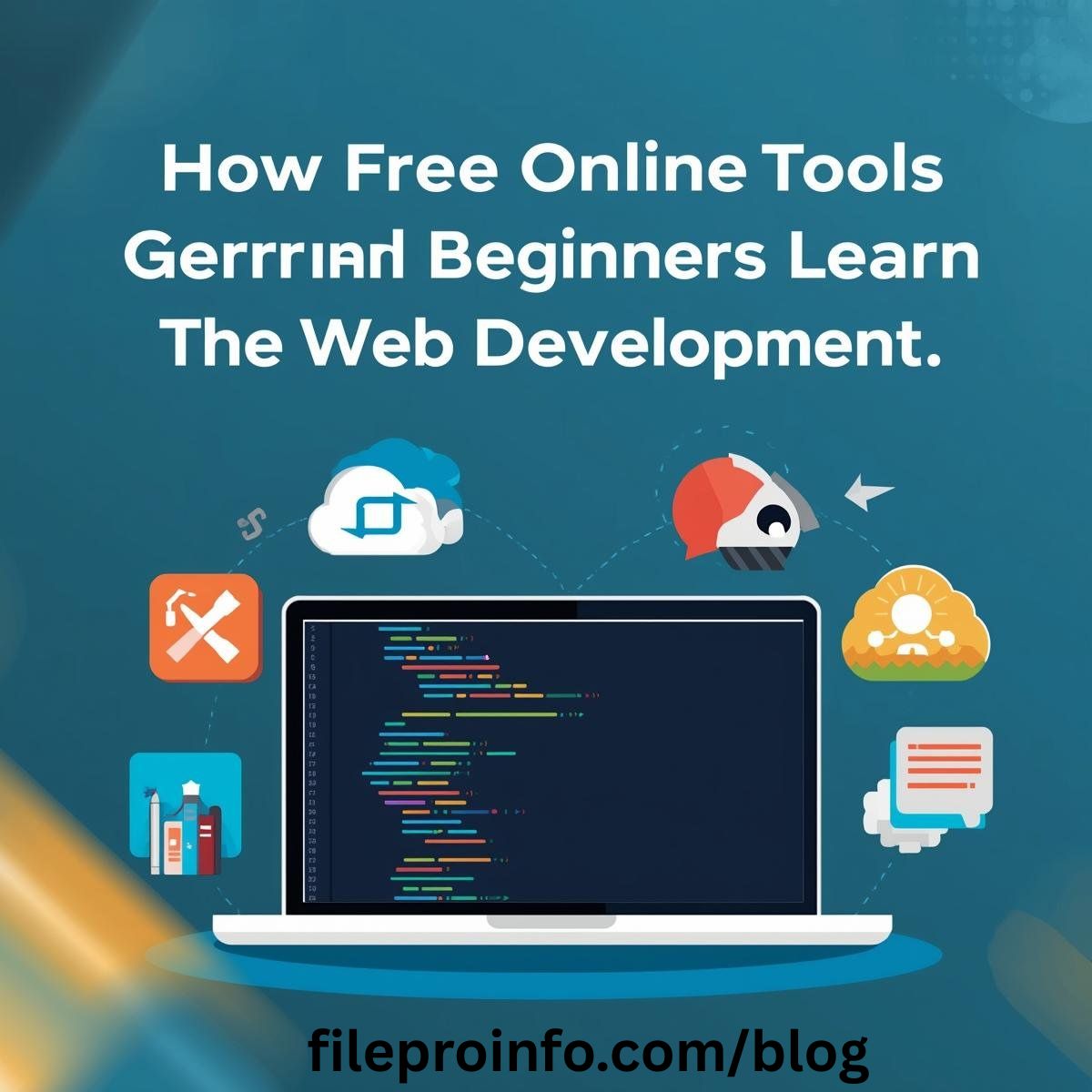
Learning web development used to feel like standing at the bottom of a mountain, not even sure which path to take first. There’s just so much—different languages, a pile of frameworks, all those so-called “best practices.” And yeah, messing up feels scary at first. But things are different now, especially in 2026. Free online tools have flipped everything on its head. If you’ve got Wi-Fi, you’re in. No need to drop money on expensive software or courses. You’ve got interactive code editors, visual design tools, and a bunch of other free platforms where you actually get to build stuff, not just read about it. It’s hands-on in a way textbooks never even came close to.
Let’s talk about why this matters. When you’re learning, nothing beats typing out some code and seeing it work (or break!) right away. That instant feedback is addictive. Free online tools nail this—they keep you engaged, showing you if you’re on the right track every step of the way.
Remember when you had to install a bunch of programs just to write your first line of code? Not anymore. Tools like CodePen, JSFiddle, and Glitch let you mess around with HTML, CSS, and JavaScript straight from your browser. You can build a simple webpage in minutes, play with the design, and share your results instantly. That quick win boosts your confidence and makes you want to keep experimenting, which is exactly how real learning happens.
Then there’s live preview tools. Old-school web dev meant saving files and refreshing browsers over and over, just to see if that one CSS change did anything. Now? Update a margin or color, and it changes before your eyes. Suddenly, abstract stuff like flexbox just clicks. Watching a layout rearrange itself as you tweak one property makes the idea stick in your brain. That’s a real “aha” moment.
But web development isn’t only about code. Design matters, too. Free tools teach you how to make things look good while you’re picking up the technical chops. Canva, Figma’s free version, Adobe Express—they all let you create professional-looking designs without paying a cent. You pick up color theory, learn about typography and layout, and actually see how your choices affect the final site. And since these tools are built for modern web design, you end up learning how to make your sites look good on phones and desktops naturally. When your beautiful layout suddenly looks awful on mobile, you figure out how to fix it using responsive features. That lesson sticks with you.
Component libraries and templates are a lifesaver, too. Instead of staring at a blank page, you start with something that looks good. Bootstrap, Tailwind UI’s free pieces, and all sorts of GitHub templates give you real-world patterns to play with. You spend your time learning how things fit together and how to customize them, not struggling to invent everything from scratch.
One of the biggest headaches used to be setting up a local development environment. Free online tools have swept most of those problems away. Full-stack platforms like Replit, CodeSandbox, and Glitch give you everything you need, right in your browser. You can write front-end and back-end code, mess with databases, and publish your project—all without installing anything. They even take care of version control and make it easy to work with others. You can build a full web app, add user authentication, and send your friends a live link, all for free.
A lot of coding tutorials now plug directly into these tools. When you’re following along with a lesson and it says, “Try this code,” you can just do it right there. You don’t have to switch tabs or set anything up. That keeps you focused and helps you learn faster, because you’re never stuck fighting with your tools.
Debugging and testing are part of the game, too. Honestly, figuring out why your code doesn’t work is where you learn the most. Every modern browser has developer tools built in. They’re super powerful and totally free. You can inspect elements, debug code, watch network requests, and test performance—all with tools you already have. Sometimes, just poking around a popular website and hitting “Inspect” teaches you more than any paid course.
Validation and accessibility checkers, like W3C’s validator, WAVE, and Lighthouse, give you instant feedback on your code. Instead of memorizing best practices, you learn by fixing your own mistakes as they happen. When you see an accessibility warning pop up for something you just wrote, that lesson really sinks in.
So, if you’re starting out, free online tools don’t just make web development possible—they make it fun, immediate, and real. The barriers are lower than ever. All you have to do is jump in and start building.
Community and Collaboration Features
Learning web development isn’t a solo thing anymore. It’s actually become pretty social.
Real-Time Collaboration
Now you’ve got platforms like CodePen and Glitch where a bunch of people can jump into the same project at once. If you’re just starting out, you can pair up with someone more experienced or team up with fellow beginners. It’s way more interactive this way, and when you get stuck, help is usually just a message away. That wasn’t really an option back when everyone learned alone.
Showcasing and Feedback
There are tons of free tools that let you put your work online in no time. You finish a project, publish it, and share the link for feedback—all in a matter of minutes. This makes building a portfolio a lot less intimidating and way more motivating. Plus, having something to show for your work feels good and proves you’re actually making progress.
Server Management Without the Headaches
Even the tricky stuff, like Hosting Control Panel, feels less scary now. Free platforms handle most of the setup, so you can actually launch real apps with databases, no sweating over server configs. Sure, you’ll want to learn the details eventually, but just seeing your own project go live makes the whole idea of servers a lot less mysterious. Suddenly, “server” just means another computer running your code—no big deal after you’ve done it a few times.
The Psychological Benefits
It’s not just about learning the tech. These free tools come with some real mental perks.
Lower Barrier to Entry
No need to spend money upfront means you can give web development a shot just because you’re curious. Try it for a weekend, see if you like it—no pressure. This kind of open access has pulled in a much wider mix of people from all sorts of backgrounds. More voices, more creativity.
Less Pressure to Be Perfect
When the tools don’t cost a dime, there’s no reason not to experiment. You can mess up, try something weird, break things, and actually learn from it. That’s how you really get better. Without the stress of wasting money, people get braver and more creative.
Building Real Projects from Day One
Honestly, nothing beats learning by making stuff.
Free tools enable beginners to create real projects from day one:
- Personal portfolios
- Small business sites for friends/family
- Simple web applications
- Interactive resumes
Having tangible creations provides motivation and proof of progress that abstract exercises can’t match.
The Bigger Picture
Free online tools have totally flipped the script on learning web development. They’ve wiped out the old barriers: no big costs, no complicated setups, no more working alone in a vacuum. And honestly, a lot of the time, these tools are every bit as good—or better—than the paid options.
Now, beginners get stuff people used to only dream about: instant feedback, pro-level tools, teammates from around the world, and the ability to actually launch real projects from day one, all for free.
That means people learn faster, remember more, and the field is a lot more diverse than it used to be. If you’re curious and have internet access, you can go from zero to building something real in just weeks.
Of course, you’ll still want structure and deeper learning eventually. But these tools are the missing link—they let you turn theory into hands-on skill, experiment without fear, and see real results right away.
So if you’re even a little interested in web development, don’t wait. The tools cost nothing, the community’s open, and really, all you need is a bit of curiosity to get started.
-
-

-

-
-
-

-
-
-
-