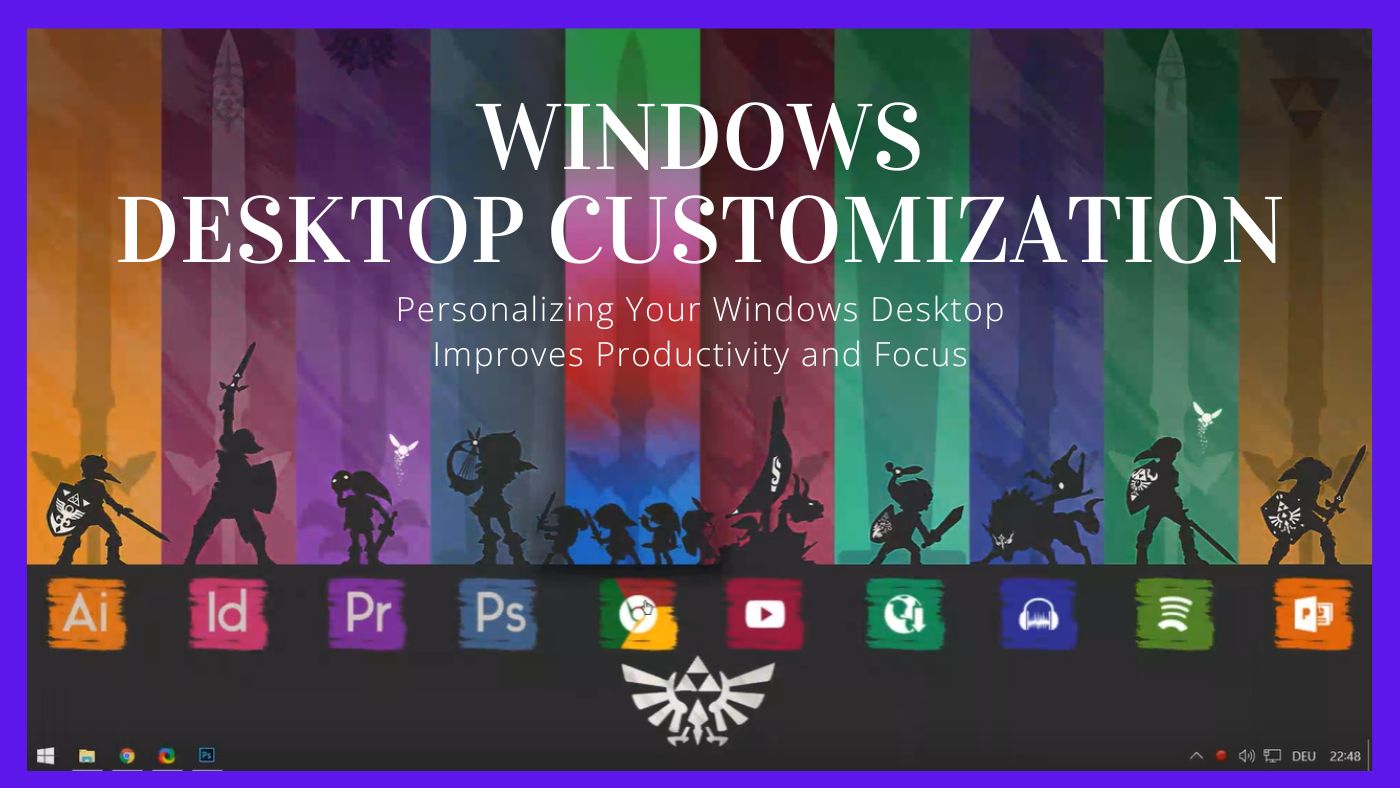
For many people, the Windows desktop is something they glance at hundreds of times a day, yet rarely consider adapting to suit how they actually work. Icons accumulate, wallpapers remain unchanged for years, and important system details stay buried behind menus and shortcuts. Desktop customization software aims to transform that experience not merely to enhance appearance, but to improve functionality in a meaningful way. With the right solutions, a plain desktop can become a streamlined workspace that displays useful information, offers quick controls, and brings greater visual clarity to everyday tasks.
At its core, desktop customization is about control. Instead of adapting yourself to the default layout Windows provides, you adapt the desktop to your habits, priorities, and workflow. Over time, this small shift can have a surprisingly large impact on productivity, focus, and even how enjoyable it feels to sit down at your computer.
What Desktop Customization Software Really Does
Desktop customization software lets users modify how their operating system looks and behaves beyond basic themes or wallpapers. This can include adding widgets, displaying real-time system information, creating custom shortcuts, or even redesigning how data is presented on screen. Unlike simple visual themes, these tools often combine aesthetics with practical utility.
For example, instead of opening Task Manager to check CPU or memory usage, a widget can show those numbers live on your desktop. Instead of opening multiple apps to check the time, weather, or upcoming tasks, everything can be visible at a glance. This reduces friction—those tiny interruptions that break concentration during the day.

Why Windows Customization Matters in Daily Work
Windows is one of the most widely used operating systems in the world, powering everything from home PCs to professional workstations. Yet its default layout is designed to be generic, not personal. Customization software bridges that gap by allowing users to design an environment that reflects how they think and work.
A developer might prioritize system monitoring and performance stats. A student might want reminders, calendars, and study timers. A designer might focus on minimalism and visual balance. Desktop customization software supports all of these approaches without forcing a single workflow.
When information is presented clearly and consistently, the brain spends less energy searching for it. Over time, this leads to smoother multitasking and fewer distractions.
Desktop Widgets: Small Tools With Big Impact
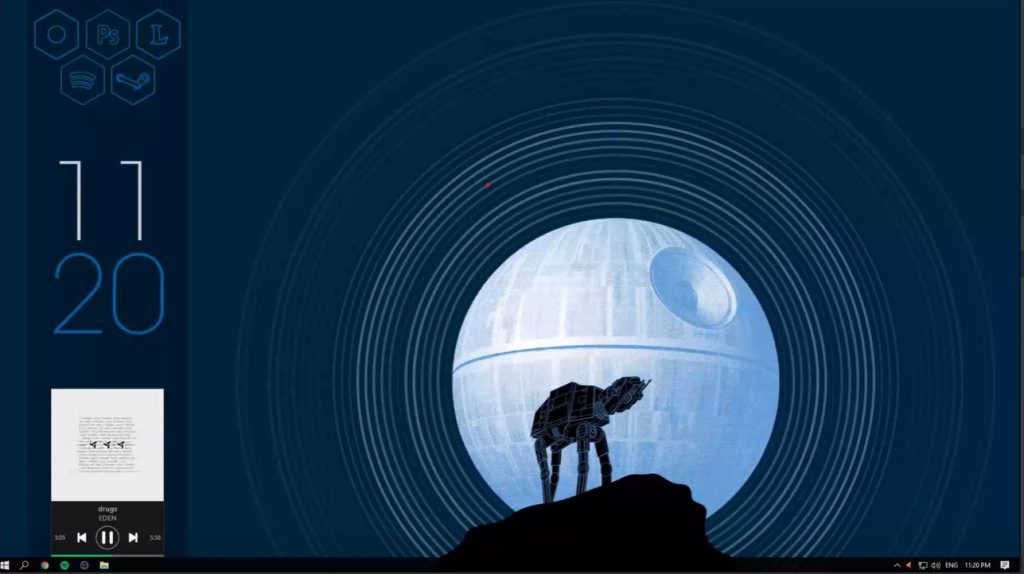
One of the most powerful features of desktop customization software is the use of widgets. Widgets are small, modular elements that display information or provide quick interactions. They can show the date, time, weather, system usage, network speed, music playback, or even custom scripts.
What makes widgets especially useful is their passive nature. You don’t need to click anything to get the information—you just glance at the screen. This is particularly helpful for system monitoring, where real-time awareness can prevent issues before they become problems.
Widgets also encourage intentional design. Instead of cluttering the desktop with icons, users can create clean layouts where every element has a purpose.
System Monitoring Without the Noise
System monitoring is often associated with technical users, but it’s increasingly relevant for everyday Windows users as well. High CPU usage, overheating, or low memory can slow down a system and affect performance. Desktop customization software makes this information accessible without overwhelming the user.
Rather than opening diagnostic tools repeatedly, users can see performance trends over time. This helps identify patterns, such as which apps consume the most resources or when the system struggles the most. For laptops, battery and temperature monitoring can extend hardware lifespan by encouraging smarter usage habits.
The key advantage here is visibility. When system health is visible, it becomes easier to act proactively instead of reactively.
Productivity Tools Built Into the Desktop
Many people rely on separate apps for productivity—task managers, note-taking tools, timers, and calendars. Desktop customization software can bring parts of these tools directly onto the desktop, reducing the need to switch contexts.
A simple to-do list widget, for example, can serve as a constant reminder of priorities. A Pomodoro timer can help structure focused work sessions. Calendar widgets can highlight deadlines without opening a browser or app. These small integrations keep productivity tools present without being intrusive.
This approach aligns with how humans naturally work: we respond better to visible cues than hidden menus. When tasks and reminders are gently present, they’re more likely to be completed.

Open Source Software and Community-Driven Design
One of the strongest aspects of desktop customization software—especially in the Windows ecosystem—is the role of open source development. Open source tools are built and improved by communities, not just companies. This often leads to greater flexibility, transparency, and longevity.
Community-driven projects benefit from thousands of contributors who create themes, widgets, extensions, and improvements. Users aren’t limited to what a single developer decides; they can explore and adapt creations from others or build their own from scratch.
This openness also builds trust. Users can see how the software works, understand what it does with system resources, and customize it without restrictions. For privacy-conscious users, this is a major advantage.
Balancing Aesthetics and Functionality
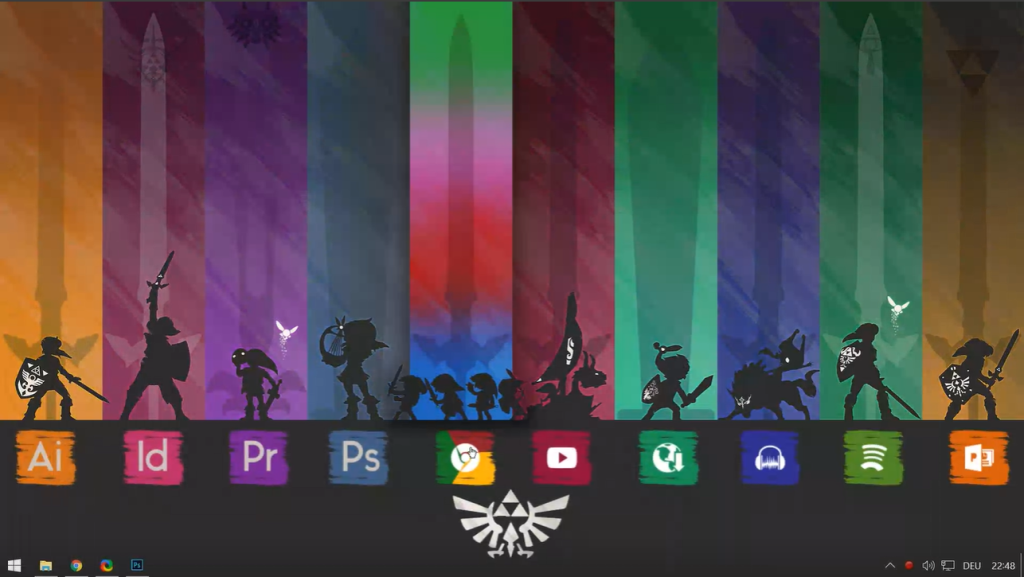
There’s a misconception that desktop customization is only about looks. While visual design is important, the best customization setups balance aesthetics with functionality. A beautiful desktop that slows down performance or hides useful information defeats the purpose.
Effective customization focuses on clarity. Fonts are readable, colors are easy on the eyes, and layouts avoid unnecessary clutter. The goal is not to impress others, but to support the user’s daily tasks.
Many experienced users start minimal, adding only what they truly need. Over time, the desktop evolves into a personal dashboard—unique, efficient, and comfortable.
Customization and Mental Focus
Digital environments affect mental states more than we realize. A cluttered desktop can create subtle stress, while a clean, organized layout can promote calm and focus. Desktop customization software gives users the ability to design an environment that supports concentration.
For remote workers and freelancers, this is especially important. When the computer becomes the primary workspace, its design influences productivity in the same way a physical office does. Thoughtful customization can reduce distractions and reinforce work routines.
Even small changes—like hiding unnecessary icons or displaying only essential information—can make a noticeable difference in how focused a work session feels.
Learning and Skill Development Through Customization
Using advanced desktop customization software often encourages learning. Users may experiment with configuration files, scripting, or design principles. This hands-on exploration builds technical confidence and problem-solving skills.
Many users start with simple setups and gradually move toward more complex configurations. Along the way, they learn about system resources, file structures, and automation. For students or tech enthusiasts, this learning curve can be both practical and enjoyable.
Customization becomes not just a tool, but a creative outlet.
Long-Term Value of a Personalized Desktop
Unlike one-time software purchases or short-lived productivity hacks, desktop customization grows with the user. As needs change, the desktop can change too. New widgets can be added, old ones removed, layouts redesigned.
This adaptability gives customization software long-term value. Instead of forcing users into rigid systems, it supports evolution. Over months or years, the desktop becomes a reflection of the user’s workflow, preferences, and priorities.
That sense of ownership is powerful. When people feel comfortable in their digital environment, they’re more likely to use it effectively.
Final Thoughts
Desktop customization software is more than a cosmetic upgrade. It’s a practical way to reclaim control over how you interact with your computer every day. By combining widgets, system monitoring, productivity tools, and open source flexibility, these tools transform the Windows desktop into a personalized workspace.
For users who spend significant time on their computers, investing effort into customization pays off in focus, efficiency, and satisfaction. Whether the goal is better productivity, clearer system insights, or simply a desktop that feels like your own, customization software offers the tools to make it happen—naturally, gradually, and on your terms.
-

-

-

-

-

-
-
-
-

-