Artificial intelligence has arrived in classrooms, learning platforms, and even homework, not slowly, but all at once. Students are using AI to draft essays, teachers are using it to design lesson plans, and EdTech companies are quietly adding AI features to personalize learning.
This is good news in many ways. AI can explain topics in plain language, it can generate practice questions, and it can adapt lessons for slow and fast learners. But it also creates a brand-new problem: how do we know when something is actually written by a person?
That question is what gave rise to a new type of tool: the AI checker.
In this article, we’ll look at:
- why AI checkers suddenly matter,
- how they fit into EdTech,
- what they can and can’t detect,
- how teachers, bloggers, and even students can use them sensibly,
- and where a tool like ZeroGPT fits in — not as a sponsor or “the only tool,” but as one of the better known options people try when they want to check a piece of text
1. Why AI made authenticity harder
Before tools like ChatGPT, the biggest issue in education was copy-paste plagiarism. That was relatively easy to catch: run the text through a plagiarism checker and see if it matched something on the web.
AI changed the game.
AI doesn’t copy, it creates. It can produce a totally new paragraph that’s not on the internet anywhere. To a plagiarism checker, it looks clean. To a teacher, it sometimes looks a bit… too clean.
That’s where AI checkers come in. They don’t look for matches on the web. They look for patterns of writing that large language models tend to produce: steady rhythm, balanced sentences, generic intros, uniform tone, sometimes over-explaining things.
So the core problem is simple:
If AI can write, we need a way to tell when AI has written.
Not to punish people, mostly to keep assessment honest.
2. What an AI checker actually does
An AI checker (sometimes called an AI detector) is a tool that takes a piece of text and estimates how likely it is that the text was generated by an AI model.
Different tools do this differently, but most of them look at some mix of:
- perplexity (is the text a bit too predictable?),
- burstiness (do sentence lengths vary like a human’s would?),
- stylistic repetition (does the paragraph follow the same pattern again and again?),
- over-generic phrasing (“in recent years”, “it is important to note”, “on the other hand”).
After scanning, the tool returns something like:
“Mostly human”,
“Likely AI-generated”, or
“Mixed / partly AI”.
That’s it. It’s not magic. It’s just pattern recognition.
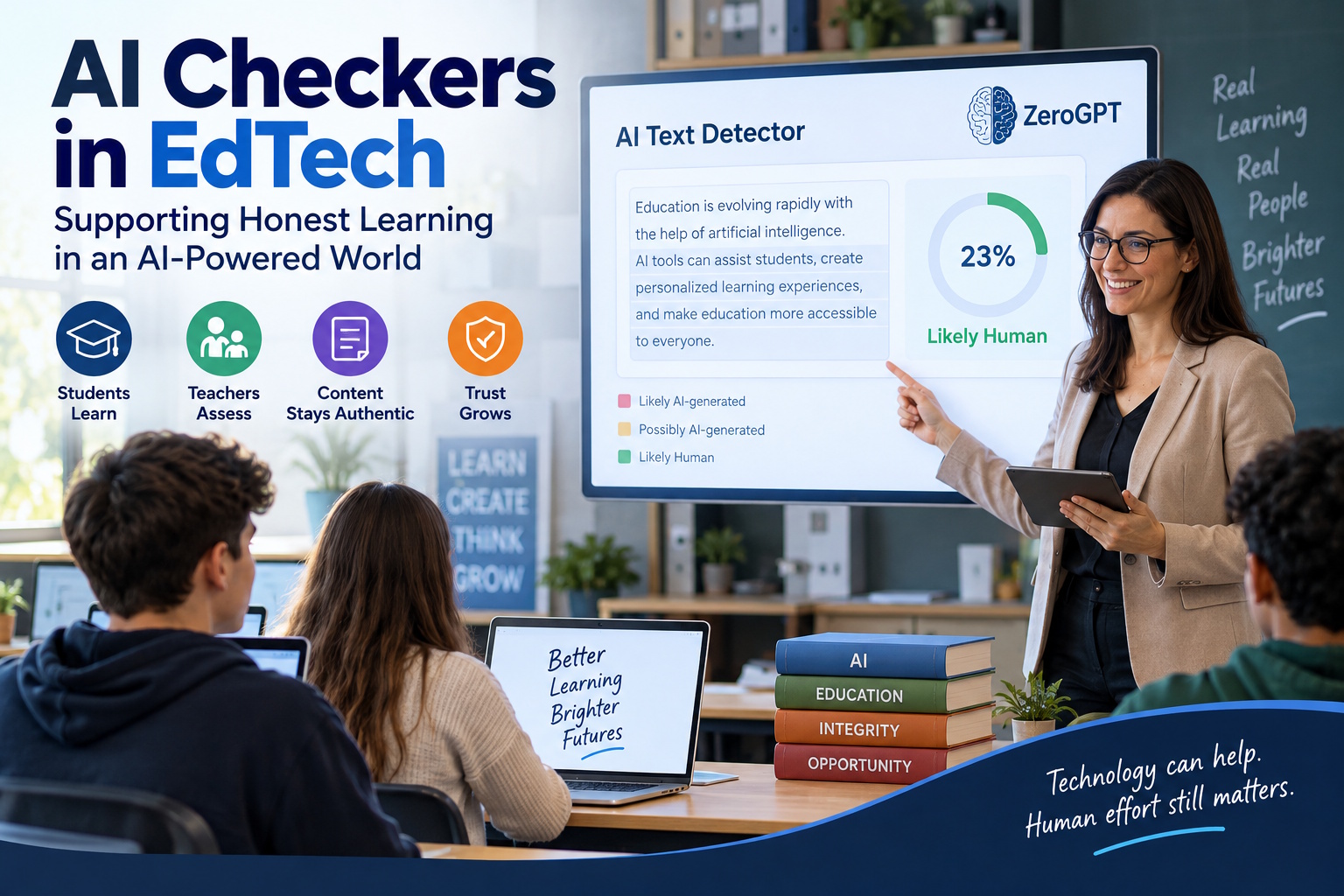
ZeroGPT is one of the tools people often try for this because it’s easy to use: paste text → get a probability. That doesn’t make it the “best” or the “official” one, it’s just a practical option that many teachers, writers and site owners test out.
3. Where EdTech fits into all this
EdTech has two roles right now:
- Using AI to help people learn.
Adaptive learning, automated feedback, AI tutors, speaking practice bots, all good. - Making sure people are still doing their own work.
Because if every assignment is AI-written, the whole point of learning disappears.
That second role is newer, but it’s quickly becoming essential. Online courses, homework portals, LMS systems, all of them are vulnerable to “I let the AI write this for me.”
So many EdTech platforms are starting to add one small extra step:
- user submits an essay / answer / reflection,
- system runs it through an AI checker in the background,
- if the AI-likelihood is high, it flags it for the teacher or asks the learner for a short oral or written follow-up.
This isn’t about “catching” students. It’s about keeping the learning real.
4. Important: AI checkers are not judges
This part is very important, and a lot of people miss it.
AI detectors are not 100% accurate. None of them. Not ZeroGPT, not GPTZero, not the built-in ones in LMS tools, not open-source ones.
Here’s why:
- A human who writes in a very formal, structured way can sometimes be flagged as AI.
- An AI text that was heavily edited by a human can sometimes pass as human.
- Short texts are hard to detect.
- Non-native writers sometimes get false positives because their style looks “cleaner” or more patterned.
So the right way to use AI checkers is:
as a signal, not a sentence.
A smart teacher might say:
“This looks AI-generated — can you explain it in your own words?”
or
“Walk me through how you wrote this.”
That’s a healthier approach than “Tool said AI → automatic zero.”
5. Who actually needs an AI checker?
It’s not just schools.
a) Teachers and trainers
To quickly screen large volumes of submissions and see which ones need a second look. An AI-generated text detector can give educators an additional way to review student submissions and identify content that may require a closer look.
b) Bloggers / content site owners
Google doesn’t outright “ban” AI content, but it clearly prefers helpful, original, people-first content. If you publish articles you didn’t write, it’s smart to run them through a checker just to know what you’re putting online.
c) Agencies and freelancers
If you outsource content, an AI checker helps you see whether the writer actually wrote it or just pasted from a chatbot.
d) Students (yes, them too)
Some students actually want to check if their writing looks “too AI-like” because they used AI for brainstorming but rewrote it. A tool like ZeroGPT is useful here as a self-check.
6. How to make your writing look clearly human
This will help you and your users:
- Mix sentence lengths. AI loves medium sentences. Humans jump around.
- Add real examples. “In my class”, “At our school in Karachi”, “One of my clients…” — AI rarely invents local, specific context without being asked.
- Keep some personality. Small opinions, mild disagreement, “to be honest,” “this part is tricky” — all human signals.
- Avoid repeating the same structure. If every paragraph begins with “In recent years…” or “However…”, detectors get suspicious.
- Edit AI output. If you did use AI to draft, rewrite 30–40% in your own voice. Detectors drop a lot after that.
That way, even if you do run it through an AI checker, it’s more likely to come back as “mostly human.”
7. Where ZeroGPT fits in (neutral view)
- It’s a popular AI checker.
- It’s web-based, no install.
- It gives a percentage and highlights parts it thinks are AI.
- It has API options, so platforms can integrate it.
That’s it.
It’s not the only tool, it’s not a guarantee, and it shouldn’t be the only decision-maker. But it’s a practical starting point if someone says, “I just need to quickly check if this looks AI-written.”
So in an article, blog, or LMS help page, you can very naturally say:
“If you want to test whether a piece of text was likely written by AI, you can use any reliable AI checker like ZeroGPT to get an initial signal.”
That’s natural, not promotional.
8. The bigger conversation: AI is here to stay
The real takeaway isn’t “catch AI.”
It’s:
- teach students how to use AI well,
- show them how to credit AI when it’s used,
- and keep assessment human.
AI checkers are just part of that toolkit. They help us keep the line clear between “AI assisted” and “AI did everything.” In EdTech, that line matters, because grades, certifications, and trust all depend on real effort.
Conclusion
AI made learning easier, but it also made faking easier. That’s why AI checkers showed up. They’re not anti-AI, they’re pro-honesty.
If you run a school, an EdTech platform, a content site, or even a small blog, it makes sense to run important text through an AI detector once in a while. You don’t have to turn it into a police state, you just have to stay aware.