For a long time, my Windows desktop was something I barely noticed. It had a wallpaper I liked, a few icons that slowly multiplied, and nothing else. Whenever I needed information, I opened another app. When my system slowed down, I checked Task Manager, closed it, and carried on. It worked, but it always felt slightly inefficient.
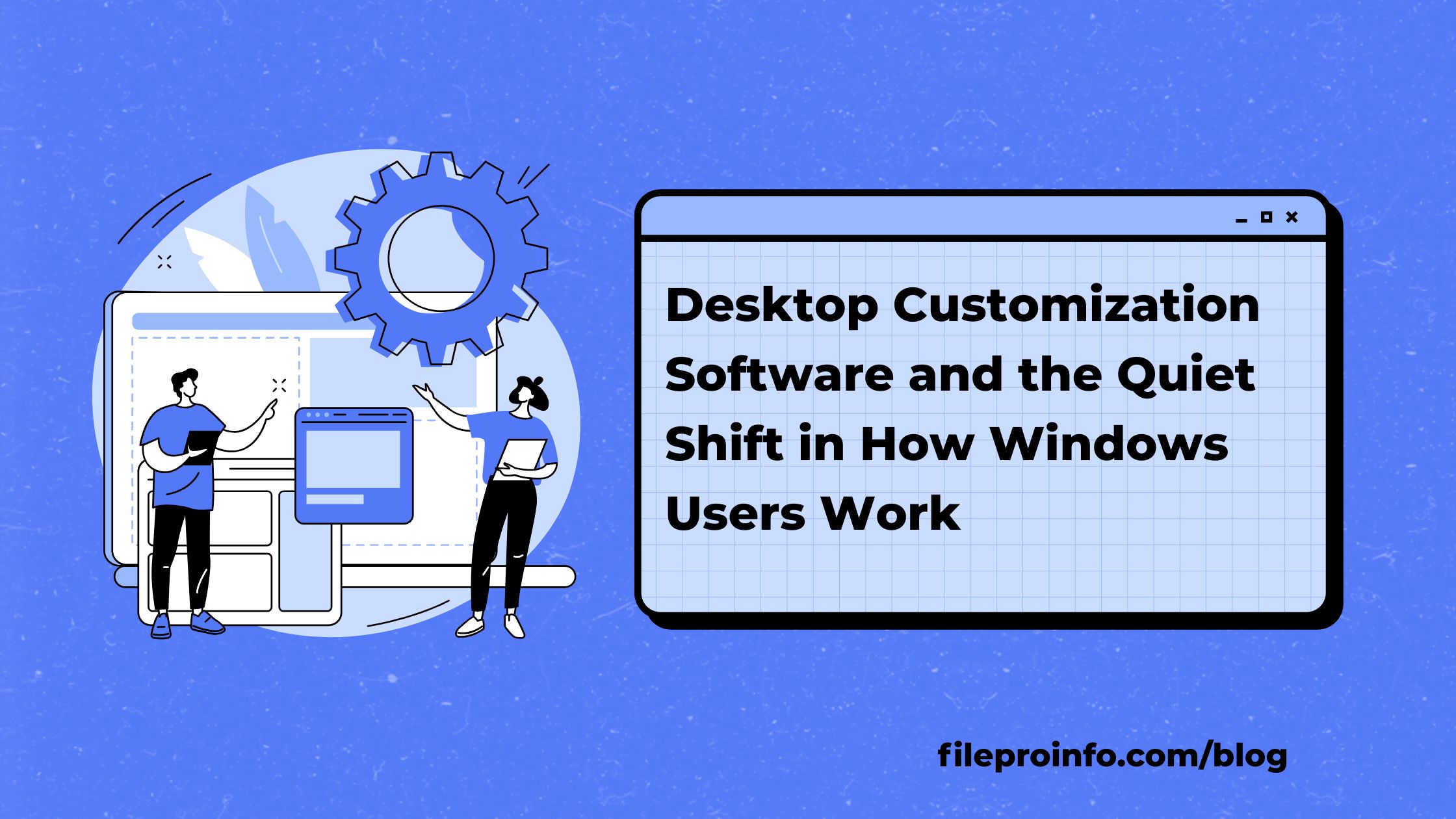
That perspective shifted when I began exploring desktop customization software that approaches the desktop in a different way. Instead of viewing it as empty space, these tools treat it as an area where useful information can exist quietly in the background. No pop-ups. No interruptions. Just the details you might want to see, already visible and ready when you need them.
The Desktop Is Still the Pause Point
Despite all the apps and shortcuts available today, the desktop remains the place people return to between tasks. You minimize windows, take a breath, then jump back in. That moment happens dozens of times a day.
When the desktop offers nothing helpful, it’s wasted space. When it shows too much, it becomes distracting. Customization works best in the middle. It adds context without noise.
That balance is what most people are really looking for, even if they don’t realize it at first.
Why People Start Customizing in the First Place
Very few users customize their desktop out of boredom. It usually starts with frustration.
Maybe your laptop fan keeps spinning up and you don’t know why. Maybe your system feels slower at random times. Maybe you’re tired of opening the same tools just to check one small thing.
Desktop customization software removes those extra steps. Instead of chasing information, it places it where your eyes already go. That alone changes how the computer feels to use.
Living With Widgets Is Different Than Reading About Them
Widgets don’t sound impressive on paper. In practice, they subtly change habits.
When CPU or memory usage is always visible, you stop guessing. When network activity is right there, you immediately know whether a slowdown is local or external. When time or system status sits on the desktop, you don’t break focus just to check it.
The important part is that widgets wait. They don’t demand attention. They don’t interrupt. They’re just present.
Over time, you stop consciously noticing them, which is exactly why they work.
Awareness Without Obsession
Good desktop customization encourages awareness, not fixation. There’s a difference.
Instead of opening monitoring tools repeatedly and overthinking numbers, you glance once and move on. If something is off, you’ll notice. If everything is fine, nothing pulls you away from your work.
That passive awareness feels calmer than constantly checking apps. Especially during long work sessions, it makes a difference.
Productivity Feels Different When Friction Is Gone
Not all productivity gains are dramatic. Some come from removing small annoyances.
When you don’t need to hunt for information, your focus stays intact. When your desktop layout feels familiar, you settle into work faster. When fewer things interrupt you, time passes more smoothly.
Customization doesn’t make you faster. It makes work feel lighter.
Why Open Customization Still Matters
A big reason desktop customization software has survived is flexibility. Many tools in this space are community-driven, which means there’s room to experiment without pressure.
You don’t need a perfect setup. You tweak things slowly. Sometimes you remove things. Sometimes you add something new weeks later. There’s no finish line.
That open-ended approach feels more natural than rigid, locked-down systems.
Comfort Is an Underrated Benefit
After using a customized desktop for a while, the biggest difference often isn’t performance. It’s comfort.
Text feels easier to read. The layout feels calmer. There’s less visual clutter. These small changes reduce fatigue over time, especially if you work at a computer for hours each day.
You usually notice the benefit when you switch to another machine and everything suddenly feels off.
It Doesn’t Have to Be Complicated
There’s a common belief that desktop customization is only for technical users. In reality, many people start with just one element.
A system monitor. A clock. A simple widget. That alone can make the desktop feel more intentional. Anything beyond that is optional.
Good customization tools don’t force complexity. They allow it if you want it.
Why Desktop Customization Still Makes Sense
Windows keeps getting simpler, which is good for most users. But simplicity can’t account for individual habits. Everyone works differently.
Desktop customization fills that gap quietly. It doesn’t replace Windows features. It builds on them, adapting to how you actually use your computer.
That’s why it hasn’t disappeared.
Final Thought
Desktop customization software doesn’t ask you to spend more time on your desktop. It asks you to make better use of the time you’re already there.
When the desktop starts supporting your work instead of sitting behind it, the change feels subtle but permanent. Going back to a blank, silent screen suddenly feels limiting. And that’s usually how the most useful changes show up.