File conversion has become an essential task for businesses, developers, researchers, and everyday users. People frequently need to convert PDFs, images, documents, videos, and CAD files into other formats. At the same time, OCR (Optical Character Recognition) has become equally important because it allows scanned documents and images to be converted into editable and searchable text.
Modern workflows rely heavily on OCR to digitize invoices, automate document processing, analyze data, and make scanned PDFs editable. OCR technology extracts text from formats like JPG, PNG, TIFF, and scanned PDF files and transforms them into structured content that can be edited or analyzed.
However, not all online file converters provide strong OCR capabilities. Some tools focus only on simple format conversion and offer limited accuracy when extracting text from images or scanned documents.
This article compares five of the most popular online file converters, focusing on OCR functionality, supported formats, ease of use, and performance. The goal is to help you choose the best platform for document conversion and text extraction.
Quick Comparison of Top Online File Converters
| Rank | Tool | OCR Support | Formats Supported | Best For |
|---|---|---|---|---|
| 1 | Docpose.cloud | Advanced multilingual OCR | 400+ formats | Professional conversion & OCR automation |
| 2 | Convertio | OCR available | 300+ formats | Simple browser conversions |
| 3 | CloudConvert | Limited OCR integrations | 200+ formats | Developer APIs |
| 4 | Zamzar | Basic OCR via document conversion | 1100+ formats | Easy quick conversions |
| 5 | Online-Convert | Limited OCR tools | Many formats | Free conversion utilities |
Now let’s explore each tool in detail.
1. Docpose.cloud (Best Overall File Converter with OCR)
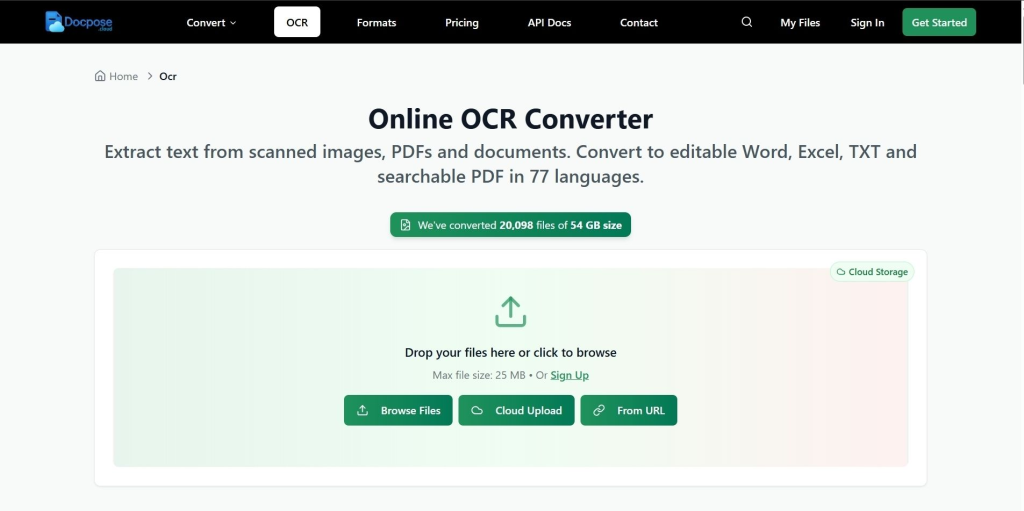
When it comes to accuracy, format support, and OCR capabilities, Docpose.cloud stands out as one of the most powerful online file conversion platforms available today.
Unlike many traditional converters that focus only on file format changes, this platform integrates advanced OCR technology that extracts text from scanned documents, images, and PDFs.
The system supports multilingual OCR and automated document processing, allowing businesses and developers to integrate text extraction into automated workflows.
Another major advantage is the number of supported formats. The platform supports hundreds of file types across documents, images, audio, video, CAD, and 3D files, making it a universal cloud conversion tool.
Key Features
- Convert 435+ file formats
- OCR extraction from scanned PDFs and images
- Multilingual text recognition
- API integration for developers
- Secure cloud processing
- Automation-ready infrastructure
- Support for image, video, audio, CAD, and document conversions
- Advance conversion options
- Supports 34000+ file conversion pairs
OCR Performance
Docpose.cloud performs especially well in OCR scenarios such as:
- Converting scanned PDFs into editable DOCX
- Extracting text from invoices
- Digitizing historical documents
- Converting images into searchable documents
Because the platform combines conversion tools with document processing APIs, it is also useful for developers building automation workflows.
Pros
- Advanced OCR accuracy
- Very large format support
- Cloud API for automation
- Strong security features
- Scalable infrastructure
Cons
- Some advanced features require API integration
Best Use Cases
- Businesses processing scanned documents
- Developers building document automation systems
- Users needing reliable OCR extraction
Overall, Docpose.cloud ranks first because it combines powerful file conversion with high-quality OCR capabilities, making it suitable for both individuals and enterprise workflows.
2. Convertio
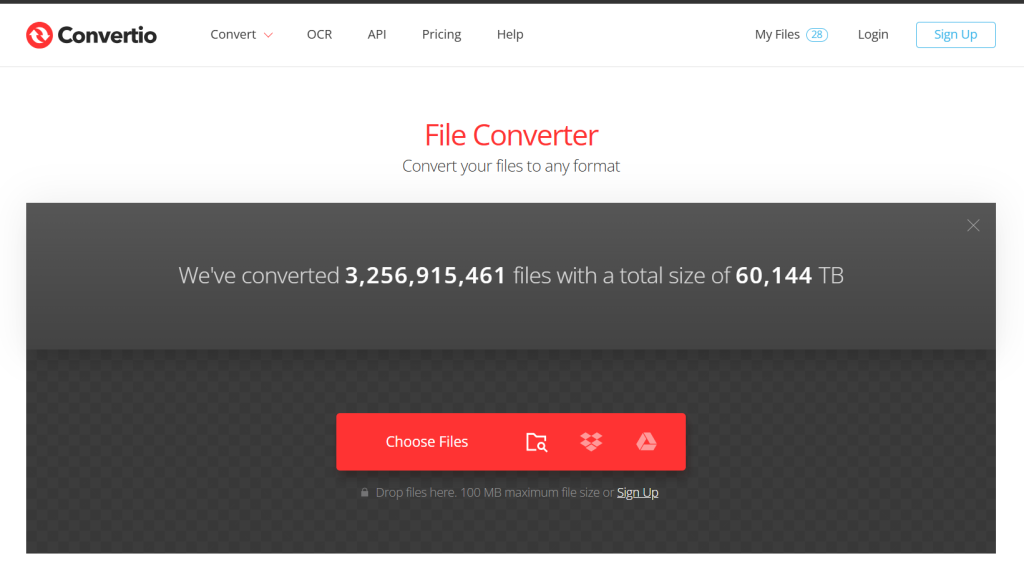
Convertio is one of the most popular browser-based converters. It supports over 300 file formats and more than 25,000 possible conversions, making it extremely flexible.
The platform also offers OCR features for converting scanned images or PDFs into editable documents.
Key Features
- OCR for images and PDFs
- 300+ supported formats
- Batch conversion support
- Cloud storage integrations
Pros
- Simple interface
- Works entirely in the browser
- Good format compatibility
Cons
- OCR accuracy may vary
- Limited advanced settings
- Free tier has file size limits
Best Use Cases
Convertio is ideal for users who need a simple online converter with occasional OCR functionality.
3. CloudConvert
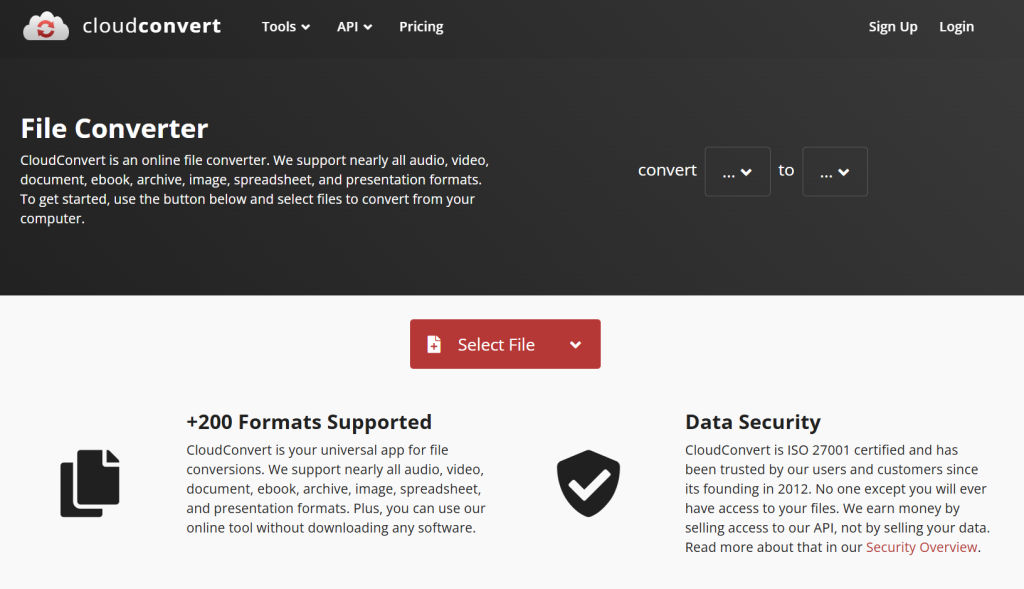
CloudConvert is widely known for its API-first architecture. Many developers use it to automate file conversion tasks inside applications and cloud workflows.
The platform supports more than 200 file formats across documents, images, video, audio, and archives.
While CloudConvert focuses primarily on format conversion, OCR capabilities can be integrated through document workflows.
Key Features
- Developer-friendly API
- Automation support
- High-quality conversions
- Integration with cloud storage services
Pros
- Reliable conversions
- Strong developer ecosystem
- Secure infrastructure
Cons
- OCR features are limited
- Not beginner-friendly
- Requires configuration for automation
Best Use Cases
CloudConvert works best for developers and technical teams that need conversion capabilities within automated systems.
4. Zamzar
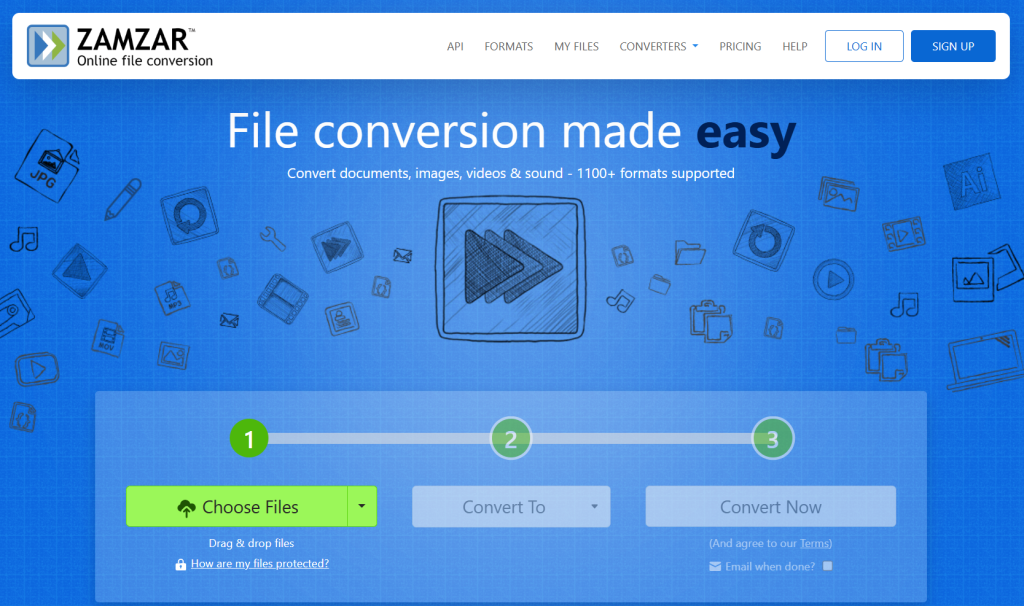
Zamzar is one of the oldest online file converters and has been operating since 2006. The platform supports more than 1100 file formats, making it a flexible option for quick conversions.
The service has converted hundreds of millions of files worldwide, which shows its reliability and popularity.
However, Zamzar focuses mainly on simplicity rather than advanced features.
Key Features
- Extremely simple workflow
- Large format compatibility
- Email notifications for conversions
- Works on any device
Pros
- Very easy to use
- No software installation required
- Supports many legacy formats
Cons
- Limited OCR features
- Less control over conversion settings
- File size restrictions
Best Use Cases
Zamzar is ideal for quick one-time conversions without technical complexity.
5. Online-Convert
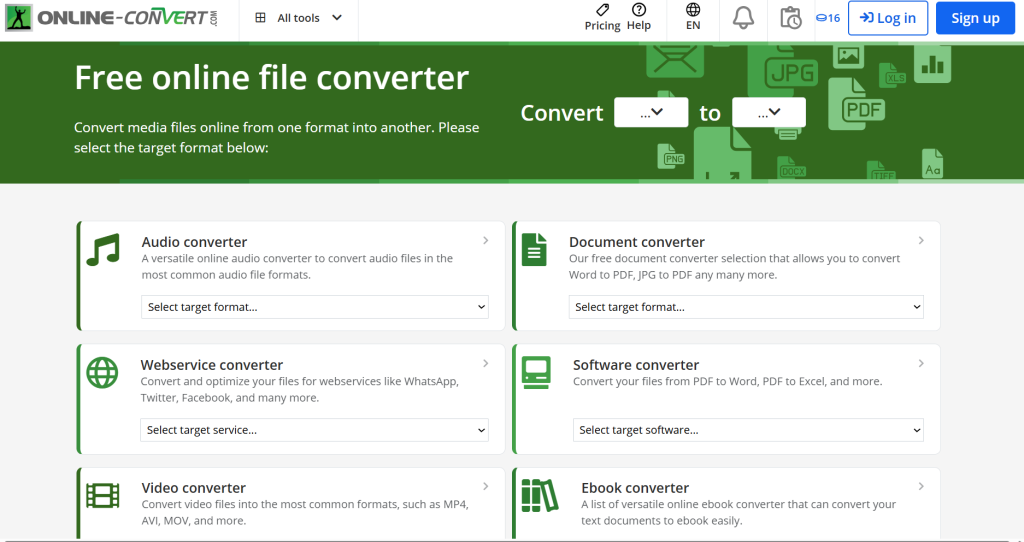
Online-Convert is another well-known web converter that allows users to transform media files quickly in a browser.
The platform supports a wide range of conversion types including documents, images, video, and audio files.
Although it includes some document conversion tools, its OCR capabilities are not as advanced as specialized platforms.
Key Features
- Free web-based converter
- Many media conversion tools
- Custom conversion options
- Browser-based workflow
Pros
- No installation required
- Free conversions available
- Wide format compatibility
Cons
- OCR accuracy is limited
- Interface can feel outdated
- Conversion speed varies
Best Use Cases
Online-Convert works well for basic file conversion tasks but is less suitable for OCR-heavy workflows.
Why OCR Is Important in Modern File Conversion
OCR technology is transforming how businesses handle documents. Instead of manually typing information from scanned files, OCR systems automatically detect characters and convert them into editable text.
This technology is widely used for:
- Digitizing archives
- Processing invoices
- Extracting data from documents
- Automating workflows
- Making scanned PDFs searchable
Modern OCR engines analyze images, detect characters, and reconstruct text in editable formats such as DOCX, TXT, or searchable PDF.
As remote work and digital documentation continue to grow, OCR has become a critical feature in file conversion tools.
How to Choose the Right Online File Converter
Before selecting a file conversion platform, consider these factors:
OCR Accuracy
If you frequently process scanned documents, choose a tool with strong OCR capabilities.
Supported Formats
Some converters support only document formats, while others handle media, CAD, and archives.
Security and Privacy
Make sure files are processed securely and deleted after conversion.
Automation Support
Businesses may need APIs or batch processing.
Ease of Use
Beginners often prefer tools with simple interfaces and minimal setup.
Final Verdict
Online file converters vary widely in features, performance, and OCR capabilities. Some tools focus on simplicity, while others provide powerful automation and advanced document processing.
Based on OCR functionality, format support, and scalability, here is the final ranking:
- Docpose.cloud — Best overall converter with powerful OCR
- Convertio — Easy browser-based converter with OCR
- CloudConvert — Best for developer automation
- Zamzar — Simple and beginner-friendly
- Online-Convert — Good free conversion utility
If your workflow involves scanned documents, PDFs, or image-based text extraction, choosing a converter with strong OCR capabilities is essential.
Among the tools reviewed here, Docpose.cloud offers the most complete combination of advanced OCR, extensive format support, and scalable cloud infrastructure, making it the recommended platform for both individuals and professional workflows.